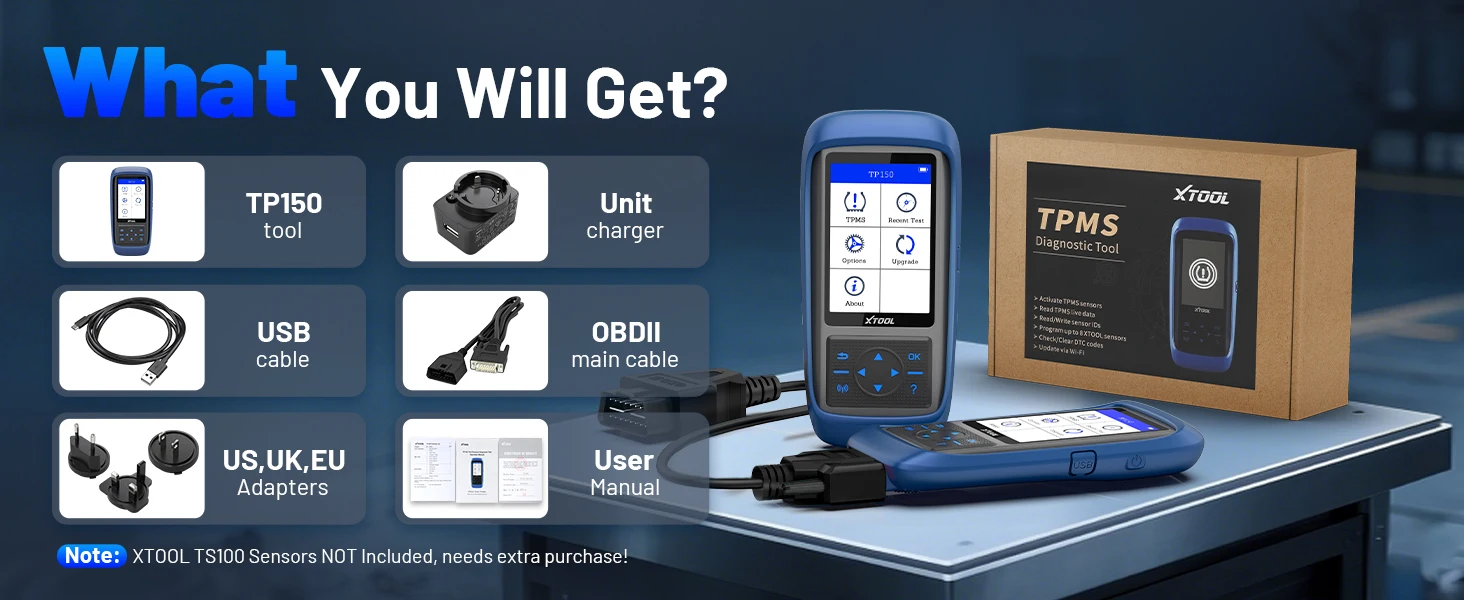
Xtool TP150 TPMS Sensor


Xtool TP150 TPMS Sensor
SPECIFICATIONS
Advantage 1: TPMS Diagnostics
Advantage 2: Check Sensor Status
Advantage 3: Reset TPMS Warning Light
Advantage 4: Activate ALL TPMS Sensors
Advantage 5: Trigger Tire Pressure Sensor
Advantage 6: Program XTOOL TS100 Sensor
Advantage 7: Relearn ALL TPMS Sensors
Brand Name: XTOOL
Certification: CE
Electronic: Yes
External Testing Certification: ce
Hardware Version: Newest
High-concerned chemical: None
Is Batteries Included: Yes
Item Height: 11
Item Length: 32
Item Weight: 1.6
Item Width: 22
Material: plastic
Model Name: TP150
Origin: Mainland China
Power (W): W
Shipping: 48 hours Ship Out
Software Update: Yes
Software Version: Updating
TPMS Sensor Compatibility: For 315Mhz & 433Mhz Sensor
TPMS Tool Working Model: Regular & Beginner Mode
Tech Support: Lifetime Professional Support
Update: Lifetime Free Update
Use: Not Telecommunication
Voltage: V
Warranty: 2 Years
Wireless Support: No
XTOOL Overseas Store
1. No VAT | No TAX | No Additional Charges | Lifetime Free Update
2. 2~5 days shipping from overseas local warehouses. Delivery available to the US, UK, Mexico, AU, and EU countries.
3. Activate Language: After the app is upgraded to the latest version, you can freely switch languages without any additional steps.
4.Lifetime 24H free technical support, 365-day free return policy and 2-year free repair service
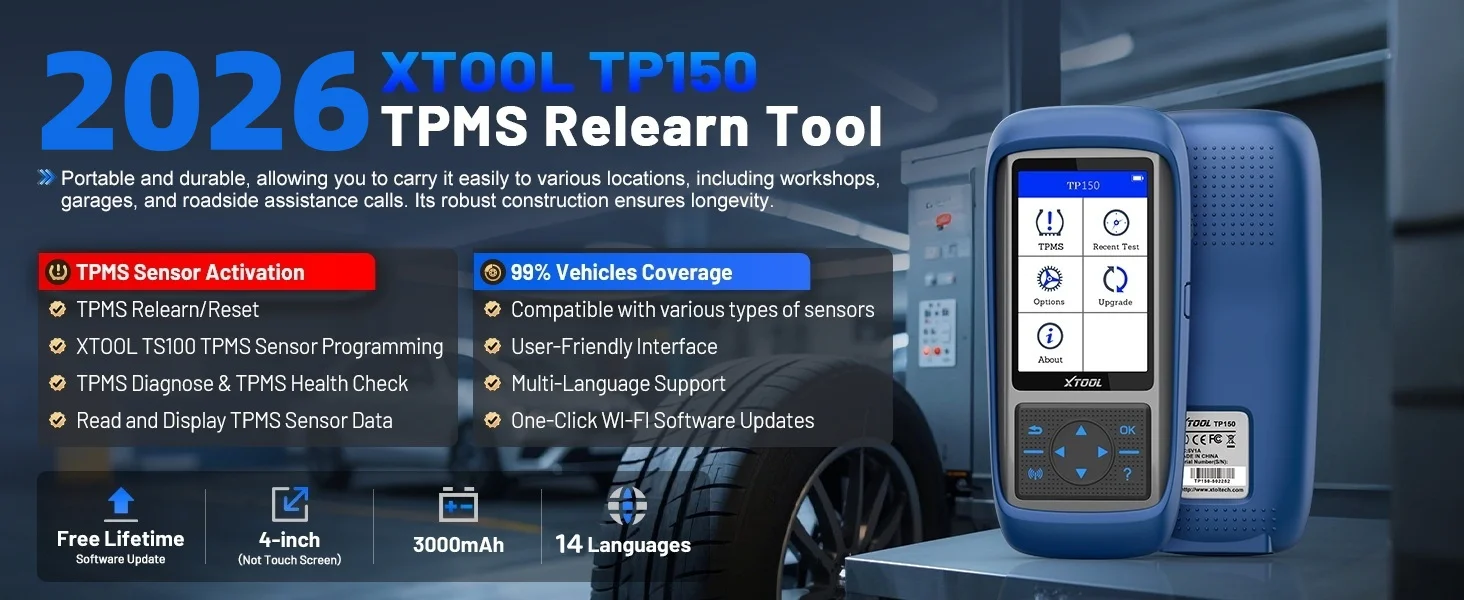
Highlight for XTOOL WIFI Version TP150 TPMS Programming Tool:
1. Lifetime Free Software Updates via WIFI or USB
2. Supports 315mhz & 433mhz Sensors
3. Activates & Relearns All Tpms Sensors
4. Programs XTOOL Sensors, Single or Multiple at Once
5. Reads ECU ID Matching Status & Sensor Live Data
6. Diagnoses TPMS System: Read/Clear Codes, Reset Warning Light
7. Checks OE Sensor Info: Brand, Part Number, Frequency, etc.
8. Test Log Function
9. Built-IN Rechargeable Battery
10. TFT Color Display, 3.95-Inch Key Operation,3.7 V 3000mAh Battery, 8G Storage.
11. 14 Languages: English, German, Spanish, Polish, Italian, French, Japanese, Korean, Portuguese, Turkish,Russian, Traditional Chinese, Hungarian, Greek
12.TP150 Come with More Useful Settings, Such as: Pressure Unit Setting, Temperature Unit Setting, ID Format Setting, Auto Power Setting, Language Change, District Setting, Sound.
⚠️TP150 can only program XTOOL sensor TS100PRO
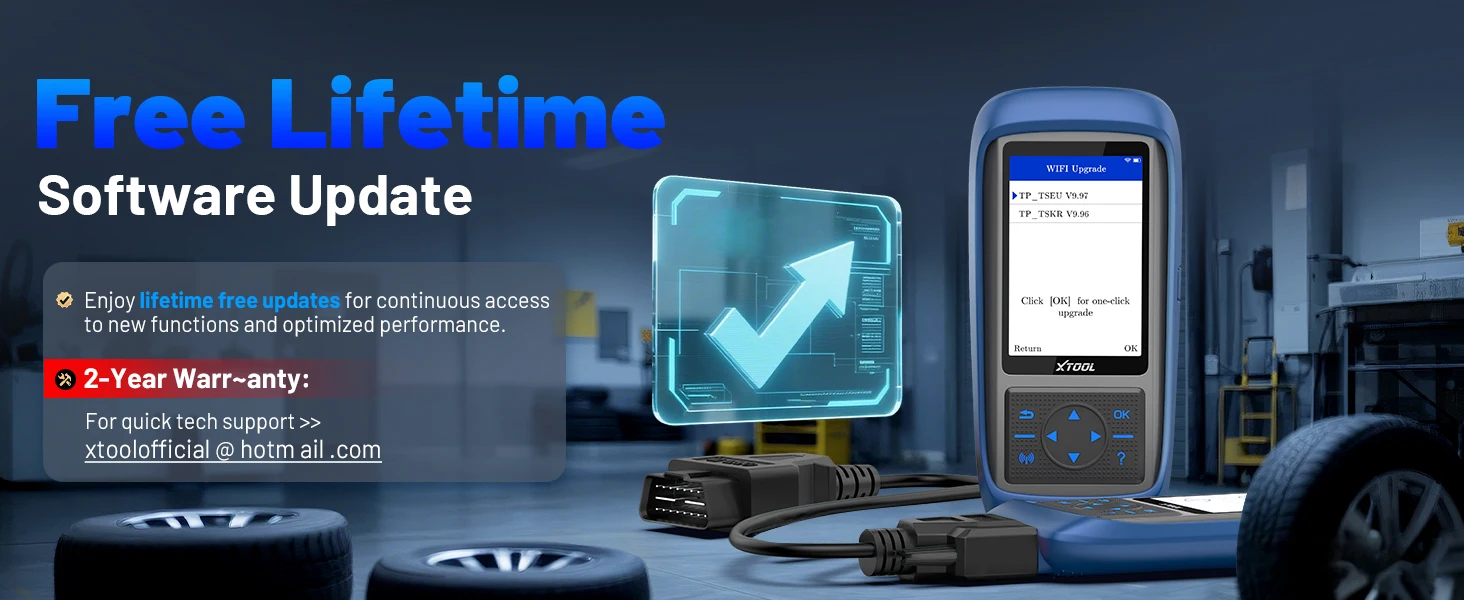
Lifetime Free Update VIA WiFi & USB
XTOOL TP150 TPMS tool provides two methods for updating: Update by Wi-Fi and Update by USB. Upgrading by WiFi eliminates the hassle of having to connect to a computer via USB for updates.
Update Method Via USB:
1. Log in to XTOOL official website https://www.xtooltech.com/english/Index.html, in [Service And Download Center] page select upgrade tool with Download, download and install the upgrade tool.
2. open the upgrade software and enter the Product sequence Column number and activation code login software.
3. connect TP150 via USB cable Hand held device and PC connection.
Update Method Via WIFI:
1. Enter [Setting] and click WIFI connecting
2. After connect the WIFI, enter [Upgrade] and click WIFI Upgrade
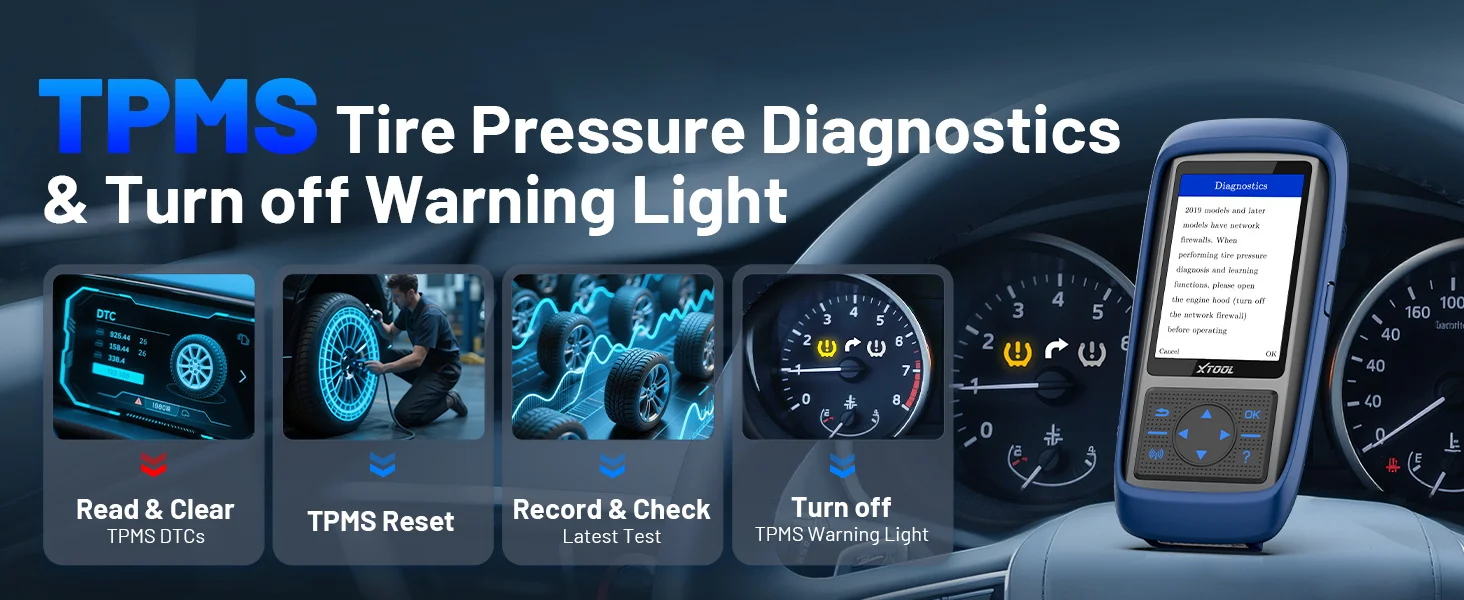
XTOOL TP150 Car Scanner Quick Diagnosis TPMS System, Clear Tpms Warning Light
XTOOL TP150 TPMS tool accesses the vehicle's TPMS system to read and clear codes, reset the TPMS light, identify faults, and help maintain optimal tire performance and safety.
⭐️Read & Clear TPMS DTCs: Read and clear TPMS fault codes, and turns off the TPMS warning light.
⭐️TPMS Reset & Relearn: Reset the TPMS after accurate diagnosis and issue located and solved.
⭐️Record & Check Latest Test: Latest tested vehicle and operations can be remembered, and it helps to lead to the same vehicle for activating sensors faster.
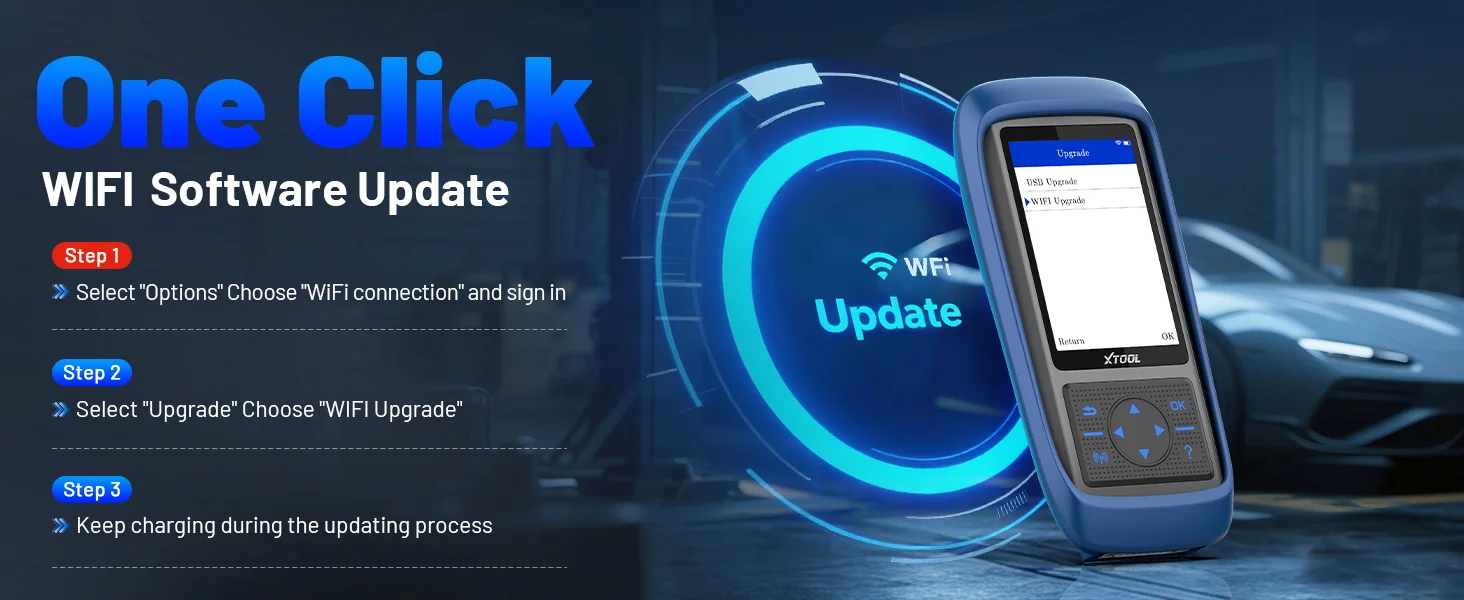
XTOOL TP150 TPMS Programming Tool Support WIFI Update
XTOOL TP150 Wi-Fi next-generation Tire Pressure Monitoring System (TPMS) tool offers faster and smarter TPMS services. The TP150 offers a fast mode for handling routine tasks and an advanced mode for performing comprehensive TPMS diagnostics, effectively reducing troubleshooting time and improving operational efficiency. Additionally, one-click WiFi software updates are free for life. No complicated steps required, saving you valuable time.
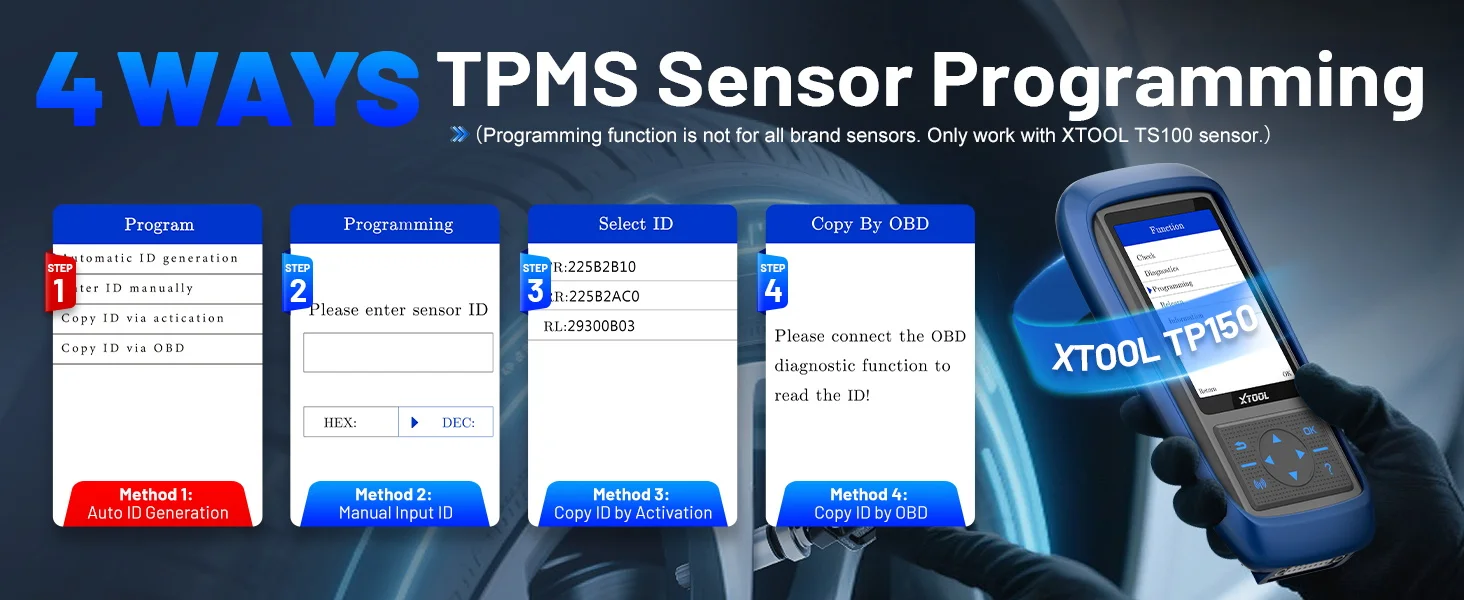
4 Ways to Program XTOOL TS100 Sensors When Replacing OE Sensors s Needed
1️⃣Automatic ID Generation: Automatically create a new unique ID for TS100 sensors. After programming, perform a TPMS relearn to match the new ID to the vehicle ECU. Ideal when the original sensor ID is unknown or the sensor is faulty.
2️⃣Manual ID Input: Manually enter the original sensor ID into the new TS100 sensor. Use this when you know the original ID and the tire/sensor position hasn't changed.
3️⃣Copy ID by Activation: Trigger the original sensor to read its ID, then copy it to the new sensor. Use this if the original sensor is working and in the same position.
4️⃣Copy ID by OBD: Read the sensor ID from the vehicle's TPMS ECU, then copy it to the new sensor. Useful when the original sensor is missing but the ID can still be read via diagnostics, with no tire/sensor position change.
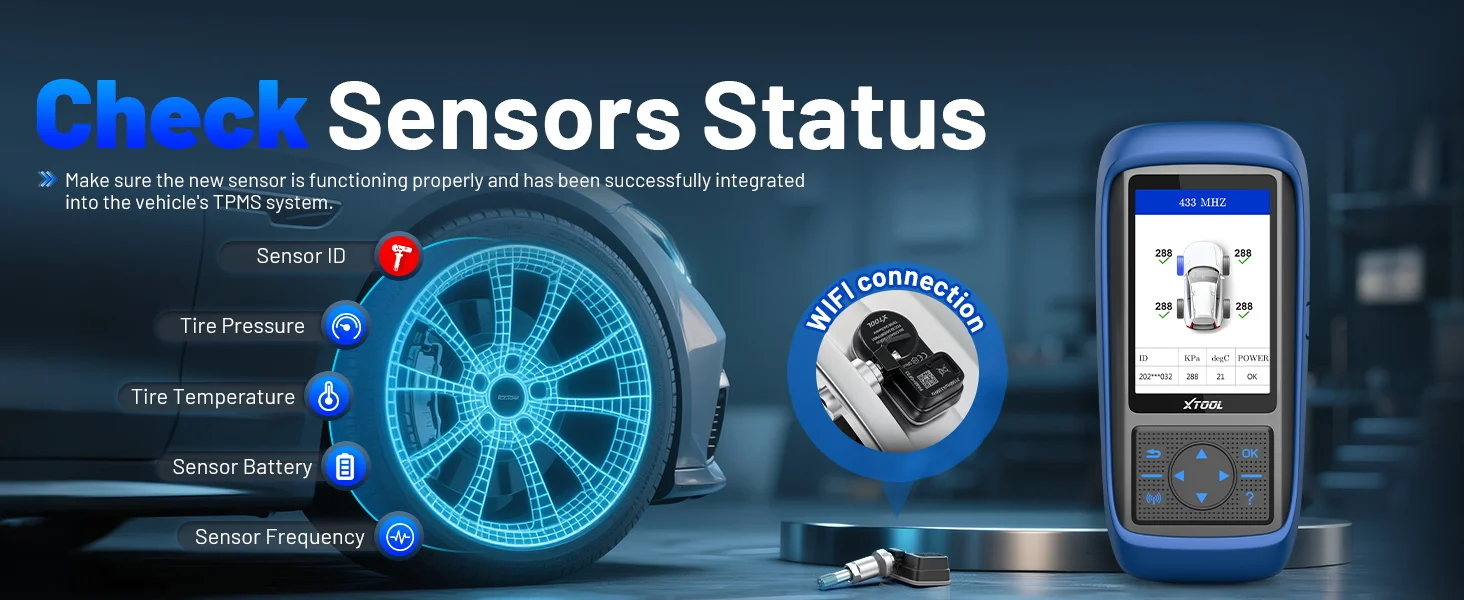
TPMS Sensor Activation and Check Sensor Status
Wirelessly activate 99% of the original/generic TPMS sensors (315/433MHz) on the market, allowing you to easily obtain TPMS sensor data such as sensor ID, tire pressure, tire temperature, sensor battery voltage and view real-time sensor data.
Step 1:Hold the device close to the sensor or the tire sidewall above the sensor.
Step 2:Use the arrow keys to switch to different tire positions and click the activation button to trigger the tire pressure sensor to receive tire pressure sensor data.
Step 3:Click the activation button and the screen will display the sensor's detailed information, including sensor ID, tire pressure, tire temperature, battery voltage, etc.
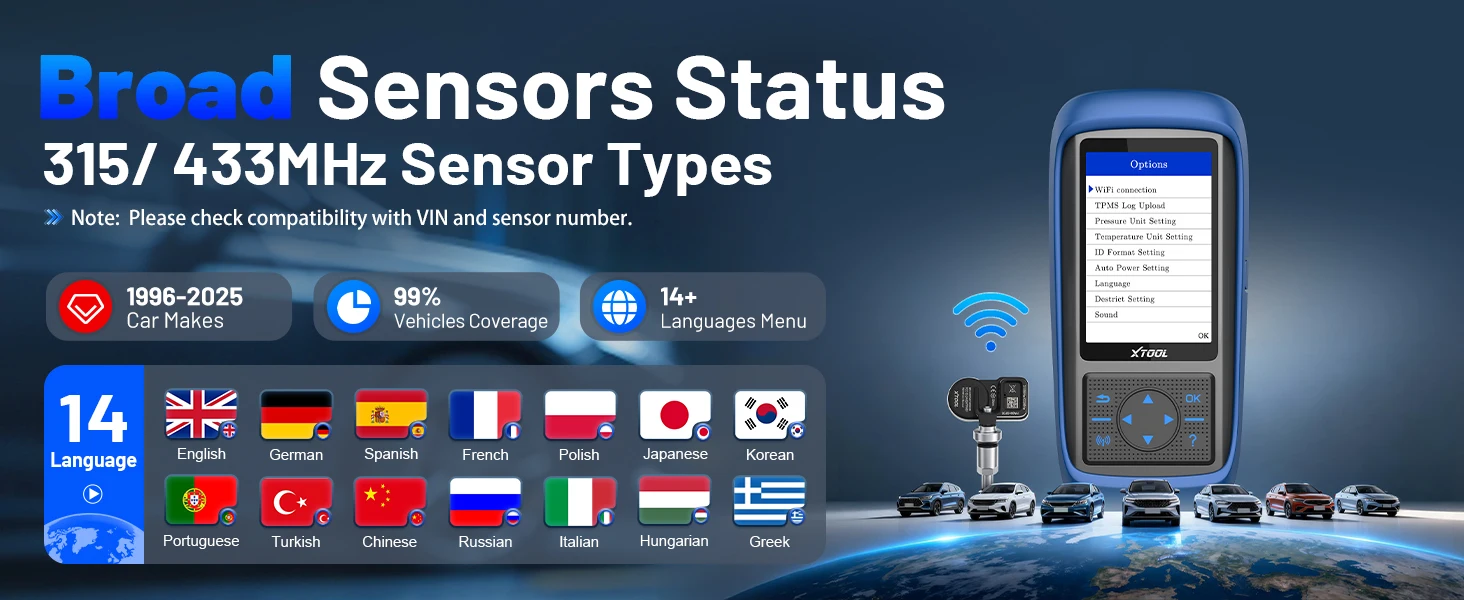
Support 14 Languages
English, German, Spanish, Polish, Italian, French, Japanese, Korean, Portuguese, Turkish,Russian, Traditional Chinese, Hungarian, Greek
Note: The default language is English. If you need to change to a different language, switch the language in the settings and then update the software

XTOOL Car Diagnostic Tool TP150 Support Car Models
For ABARTH, for Acuba, for Alfa Romeo, For Alpina, for Aston Martin, for Audi,for Bentley, for BMW, for Bugatti, for Buick, for BYD, for Cadillac, for ChangAn, for Chery,
For Chevrolet, for Chrysler, for Citroen, for Dacia, for Daewoo, for Dodge, for Ferrari, for Fiat, for Ford, for Foton, for Geely, for GMC, for GreatWall, for Haval, for Holden, for Honda, for HSV, for Hummer, for Hyundai, for Infiniti, for ISUZU, for JAC, for Jaguar,
For Jeep, for Junpai, for KIA, for Lada, for Lamborghini, for Lancia, for LandRover, for Lexus, for Lifan, for Lincoln, for Lotus, for Mahindra,
For Maserati, for Maybach, for Mazda, for McLaren, for Mercedes Benz, for Mercury, for MG, for Mini,
For Mitsubishi, for Nissan, for Oldsmobile, for Opel, for Peugeot, for Plymouth, for Pontiac, for Porsche, for Renault, for Rolls-Royce, for SAAB, for Samsung, for Saturn, for Scion,
For Skoda, for Smart, for SsangYong, for Subaru, for Suzuki, for Tesla, for Toyota, for Venucia, for Vo lvo, for VPG, for VW.