GODIAG for BMW CAS1 CAS2 Mech-Key Test Platform Detect CAS & Key Synchronization Solder-free Matching CAS Data Read Write Progra


GODIAG for BMW CAS1 CAS2 Mech-Key Test Platform Detect CAS & Key Synchronization Solder-free Matching CAS Data Read Write Progra
SPECIFICATIONS
Brand Name: GODIAG
Car Maker: For BMW
Electronic: No
External Testing Certification: ce
Hardware Version: Test platform
High-concerned chemical: None
Is Batteries Included: no
Item Height: 5cm
Item Length: 20cm
Item Type: Other
Item Weight: 0.35
Item Width: 15cm
Material: Plastic
Model Name: SK420
Origin: Mainland China
Power (W): W
Software Version: NO
Use: Not Telecommunication
Voltage: V
after service: Do all the best we can do
feature: Test platform for cas1 cas2
package: Standard
performance: Excellent
shipping: Fast
warranty: 1 years

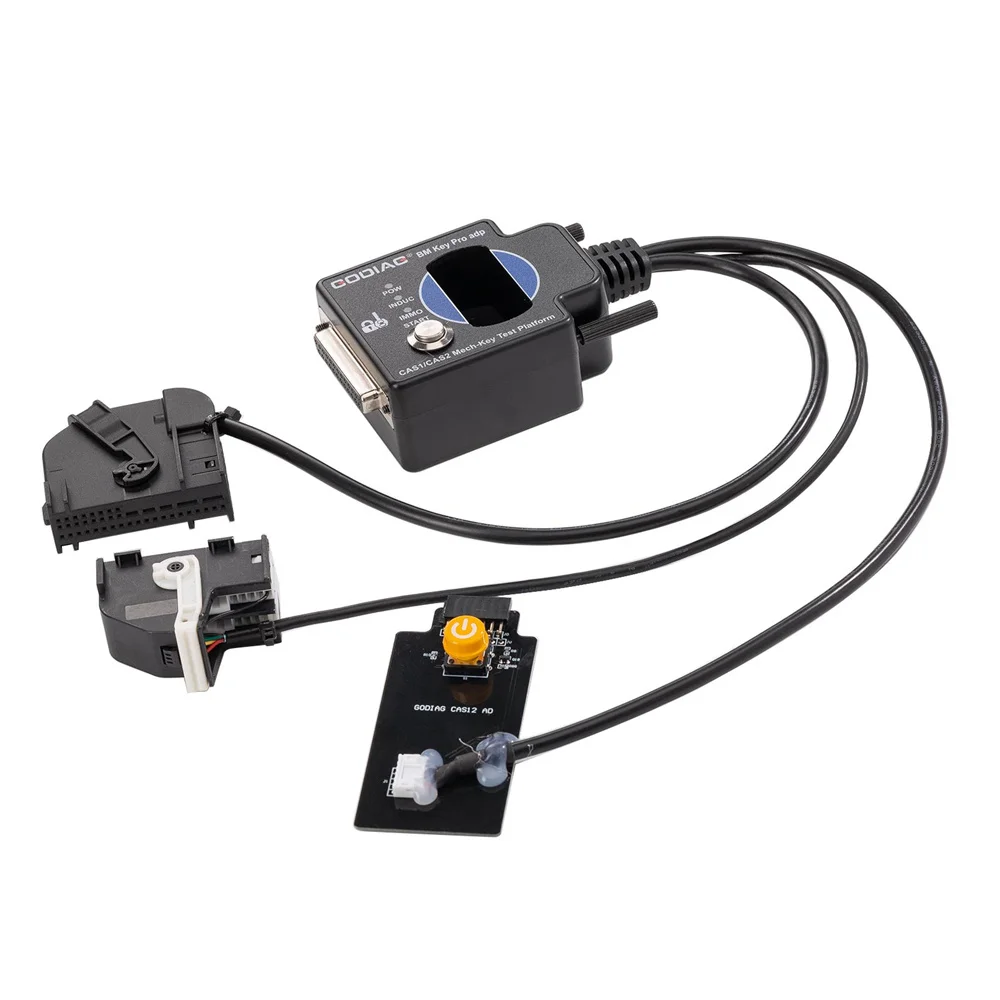
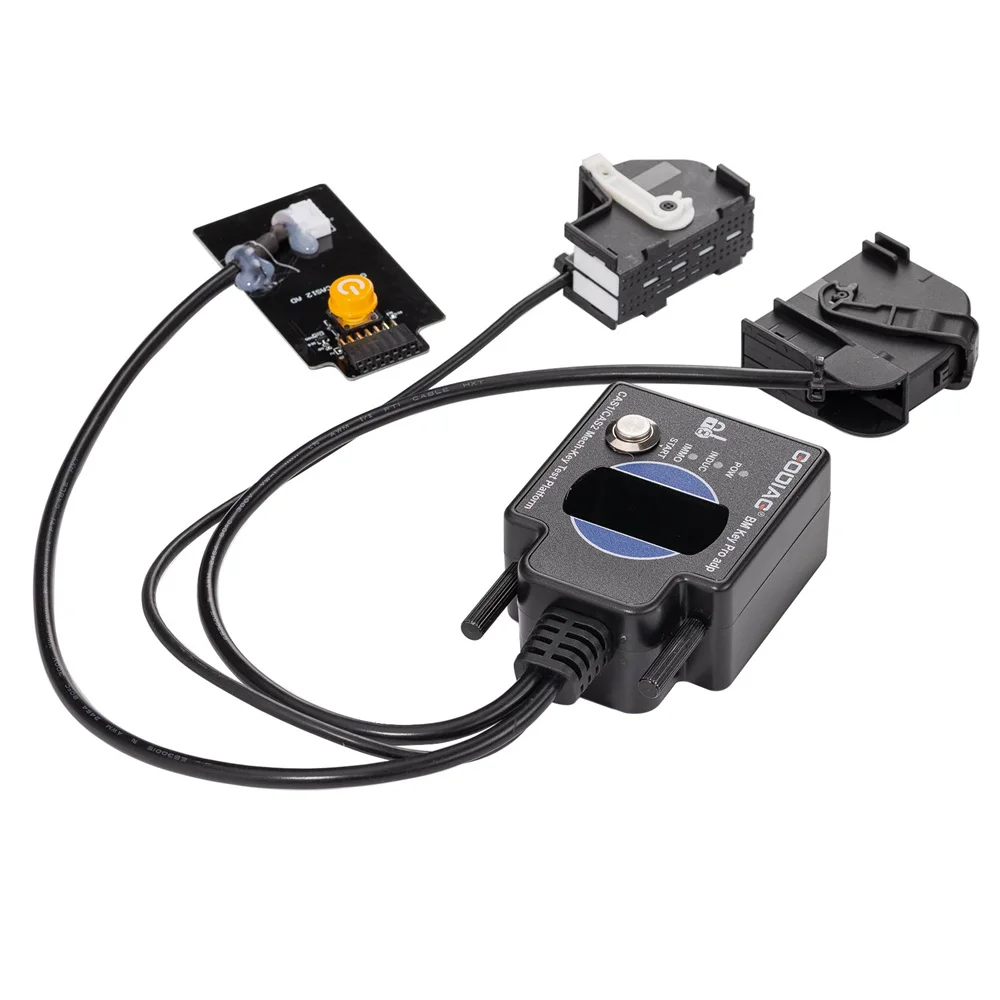
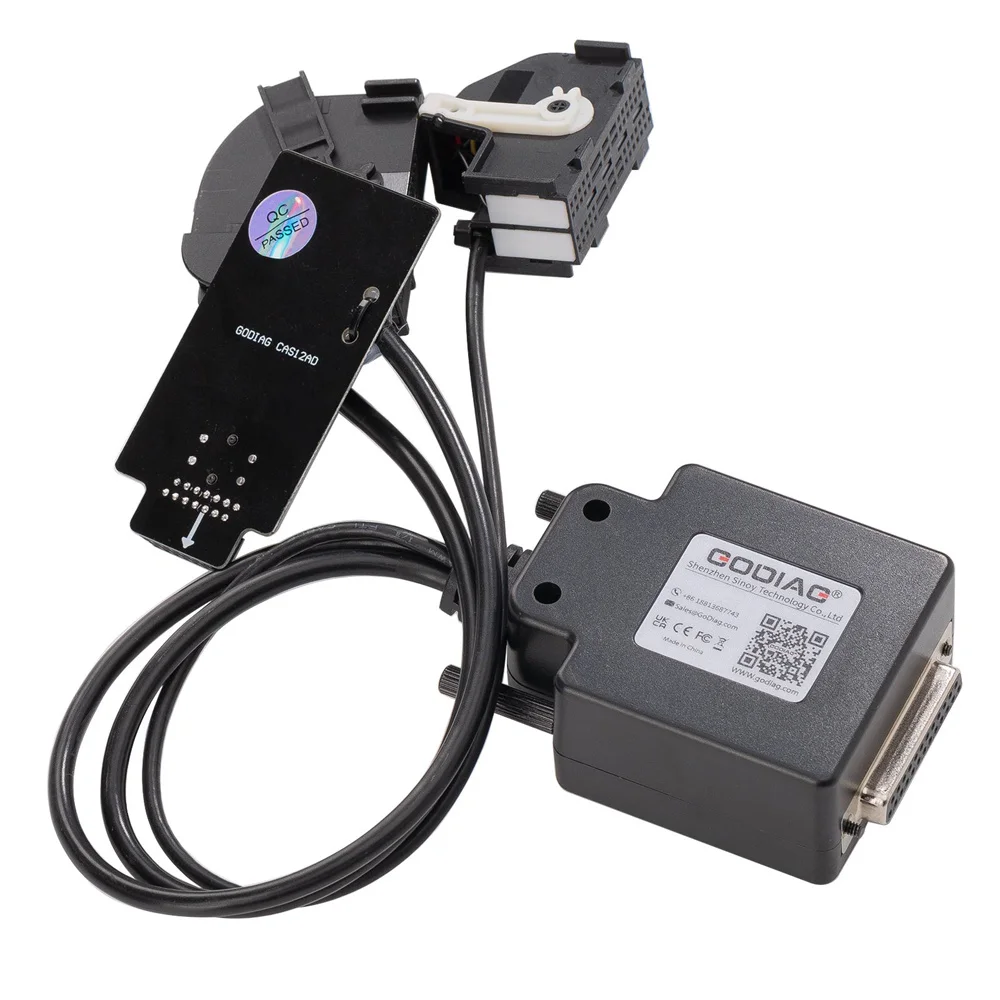
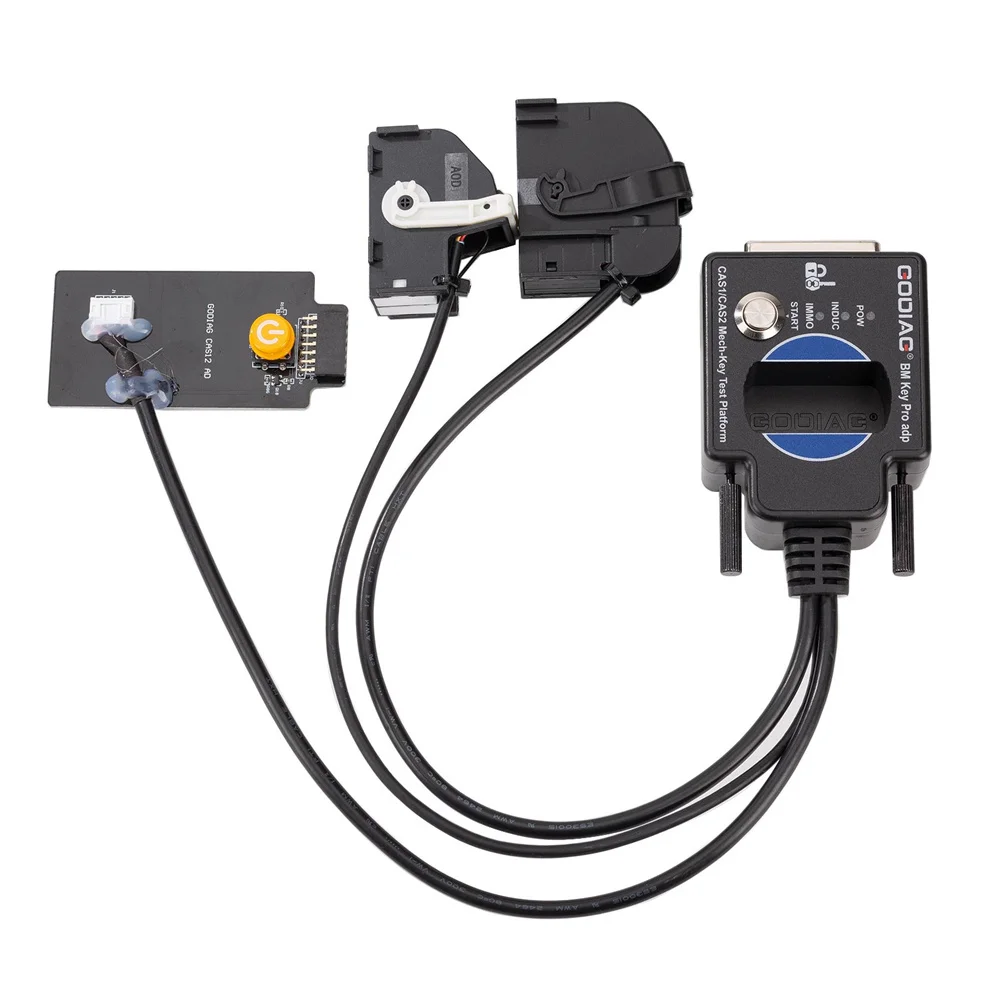
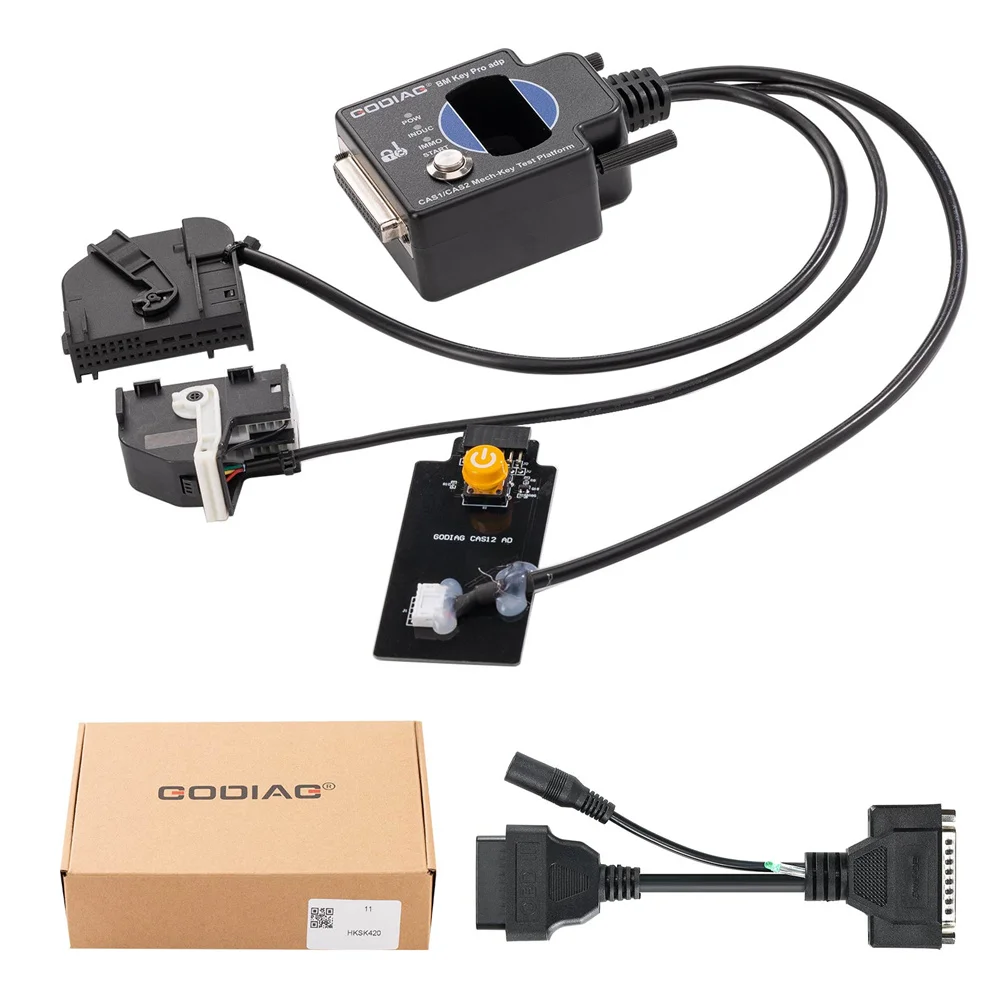

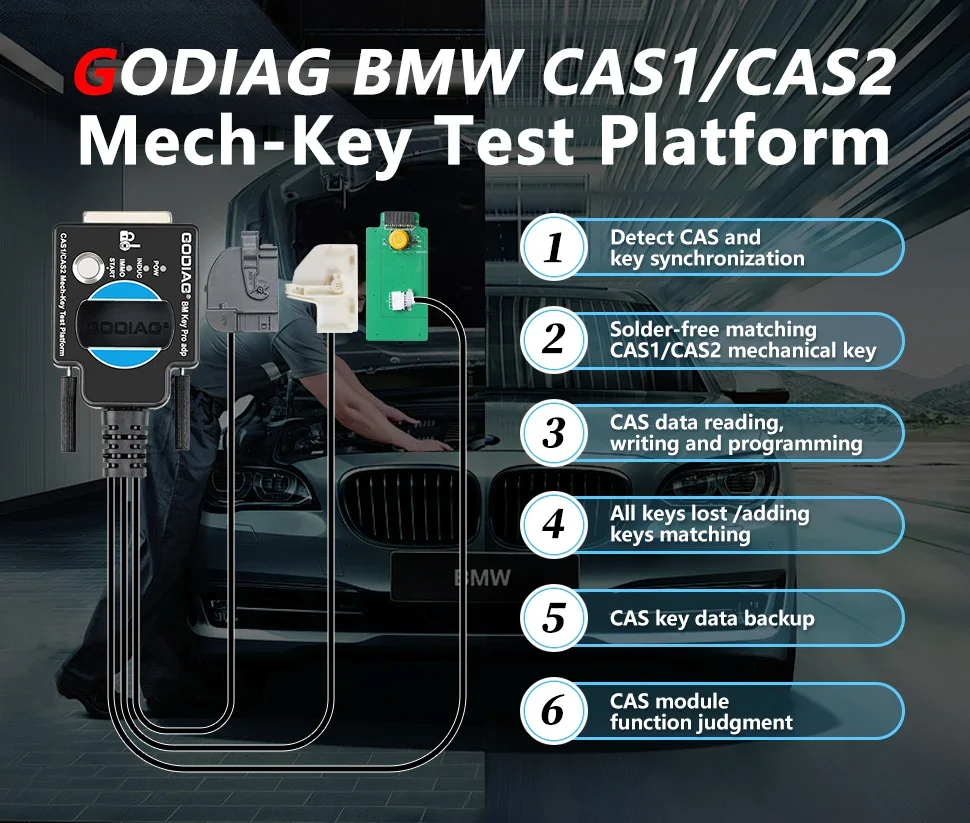
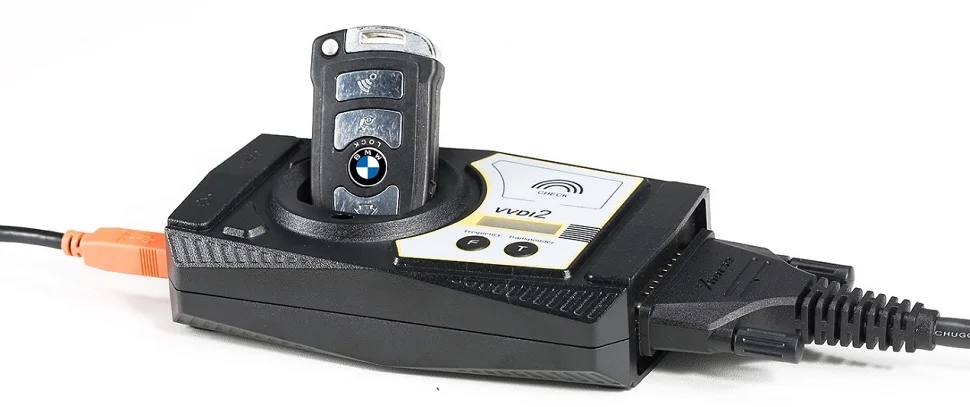
GODIAG for BMW CAS1/CAS2 Mech-Key Test Platform is a dedicated device developed for BMW locksmiths, maintenance engineers and CAS1 / CAS2 programming engineers. It can cooperate with the key programming devices like Xhorse Key Tool Plus Pad / Xhorse vvdi 2 / for mw vvdi bim tool / Autel im608 / CGDI for BMW / Lonsdor devices, OBDSTAR devices, etc., to perform all key lost matching or key addition operations. Please note that this product is only suitable for mechanical keys.
For AUTEL, LONSDOR and OBDSTAR devices, data cannot be read and written through the OBD2 bench method. This is because these devices cannot perform 100kbCANbus independent communication with the BMW IMMO module.
For AUTEL LONSDOR OBDSTAR devices, you can only use a programmer to read the IMMO data of CAS1/CAS2, perform key matching, and after successful matching, use GODIAG BMW CAS1/CAS2 Mech-Key Test Platform to perform key synchronization detection.
Use GODIAG BMW CAS1/CAS2 Mech-Key Test Platform to perform IMMO module and key synchronization detection. After confirming that the key matching is successful, you can avoid the vehicle being unable to start due to unsuccessful key matching.
Note: GODIAG BMW CAS1/CAS2 Mech-Key Test Platform does not support semi-intelligent smart key CAS2 and cannot be used with diagnostic equipment or with GT100, GT100+. If necessary, please purchase a semi-intelligent smart key detection platform for the semi-intelligent smart key CAS2.
Note: GODIAG for BMW CAS1/CAS2 Mech-Key Test Platform does not support semi-intelligent smart key CAS2 and cannot be used with diagnostic equipment or with GT100, GT100+. If necessary, please purchase a semi-intelligent smart key detection platform for the semi-intelligent smart key CAS2.
Product Features:
Product Functions:
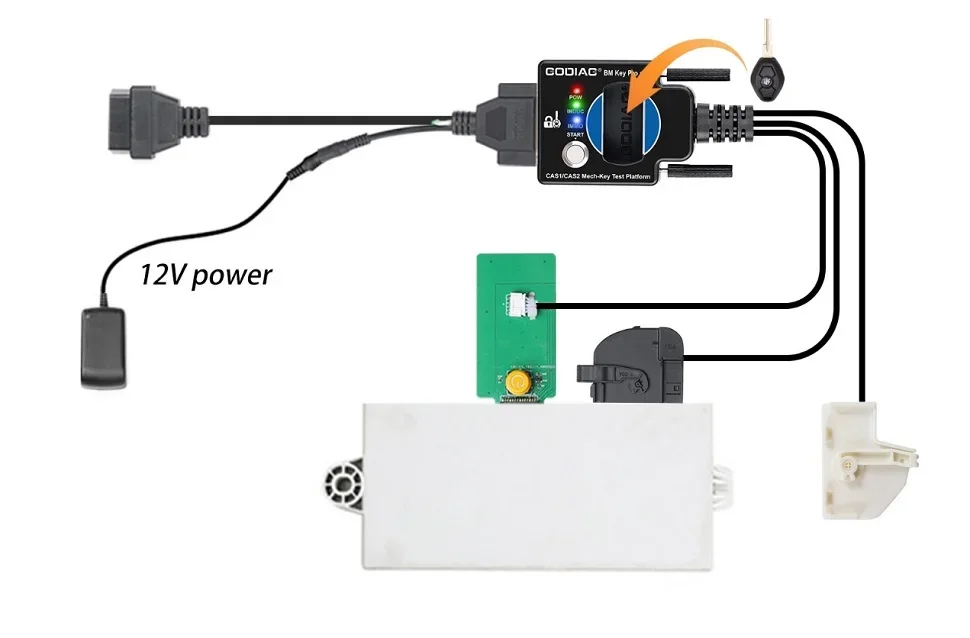
Check whether the CAS2 module and mechanical key can be synchronized:
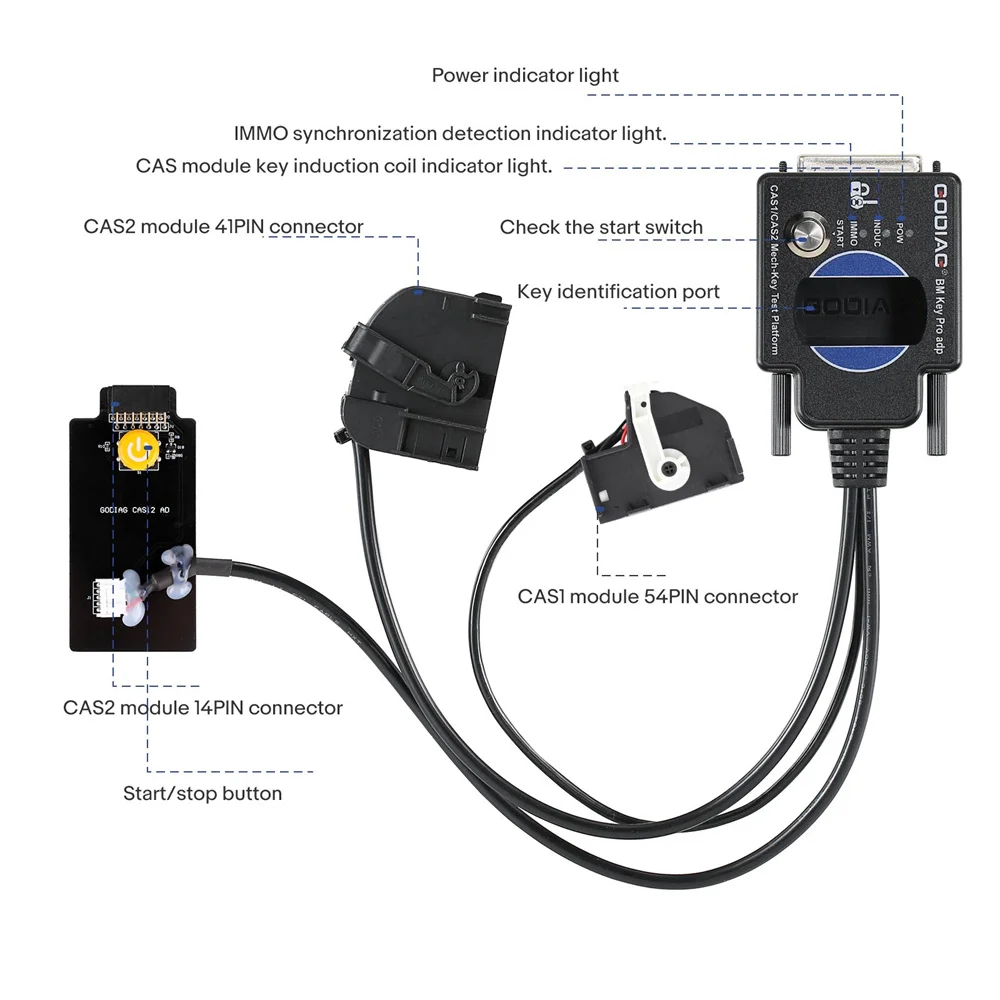
Synchronization judgment method: when the detection start switch is pressed, the Power indicator light will light up. If the key is synchronized with CAS2, the CAS module key induction coil indicator light will flash regularly. If it is an unsynchronized key, the key induction coil indicator light will only flash quickly for 2 seconds. [If the key is synchronized with the CAS module, the IMMO synchronization detection indicator light will light up and the internal buzzer of the machine will sound. If the key is not synchronized with the CAS module, the IMMO synchronization detection indicator light will not light up and the internal buzzer of the machine will not sound.]
Step 5: Press and hold the analog start/stop button, the IMMO synchronization detection indicator light will go out after 3 seconds. The INDUC sensor indicator light also goes out. After releasing, the IMMO synchronization detection indicator light will light up. The INDUC sensor indicator light flashes.
CAS1 module and key synchronization detection:
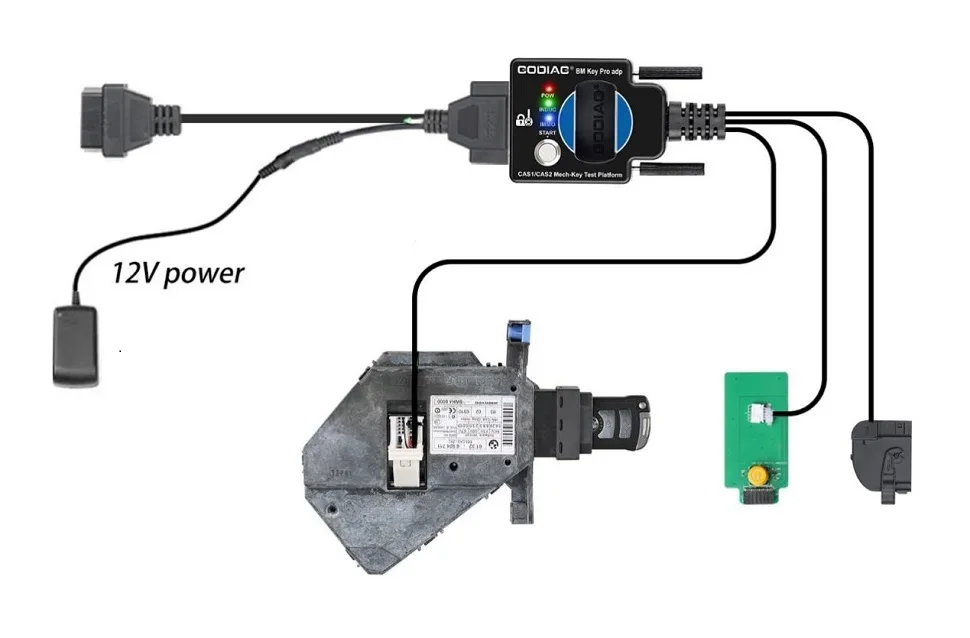
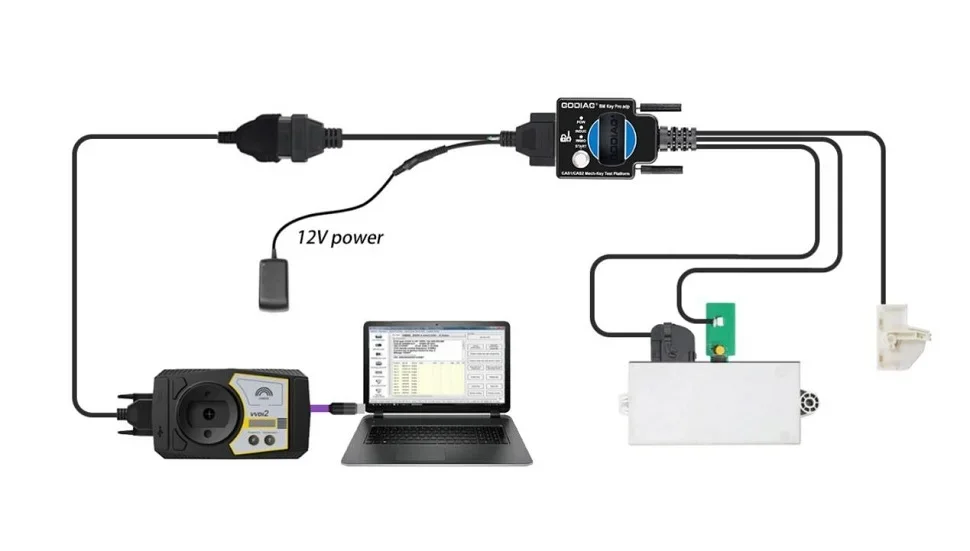
CAS2 mechanical key module key programming and module programming identification diagnostic connection demonstration:
The following uses Xhorse vvdi2 device to perform BMW CAS2 mechanical key programming and matching operations:
1.Connect the CAS2 mechanical key module and key programming diagnostic equipment according to the connection diagram. Press the start button to provide power to CAS2.
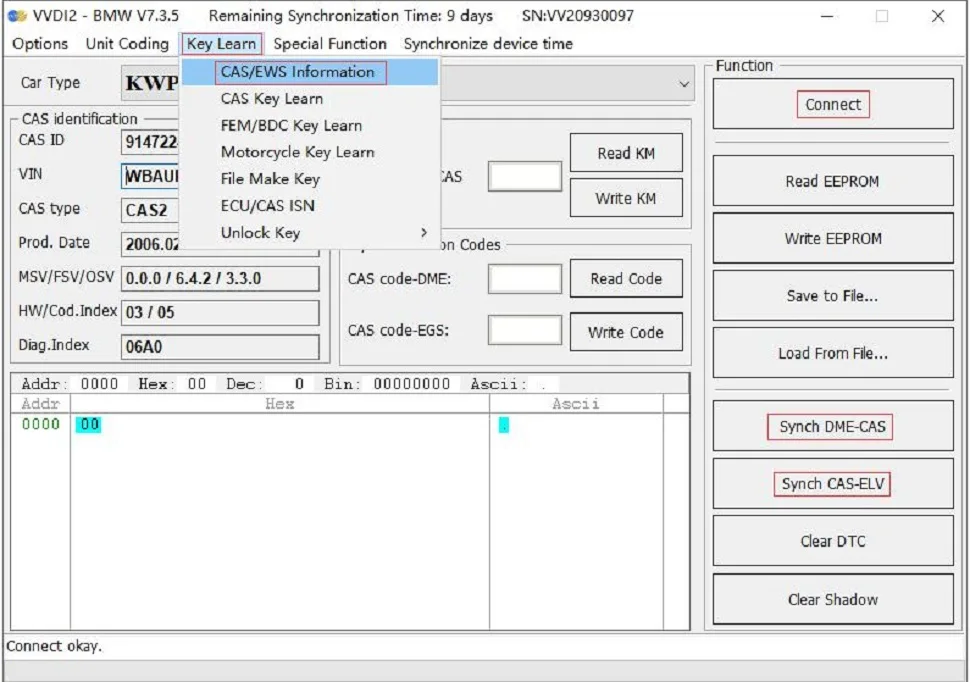
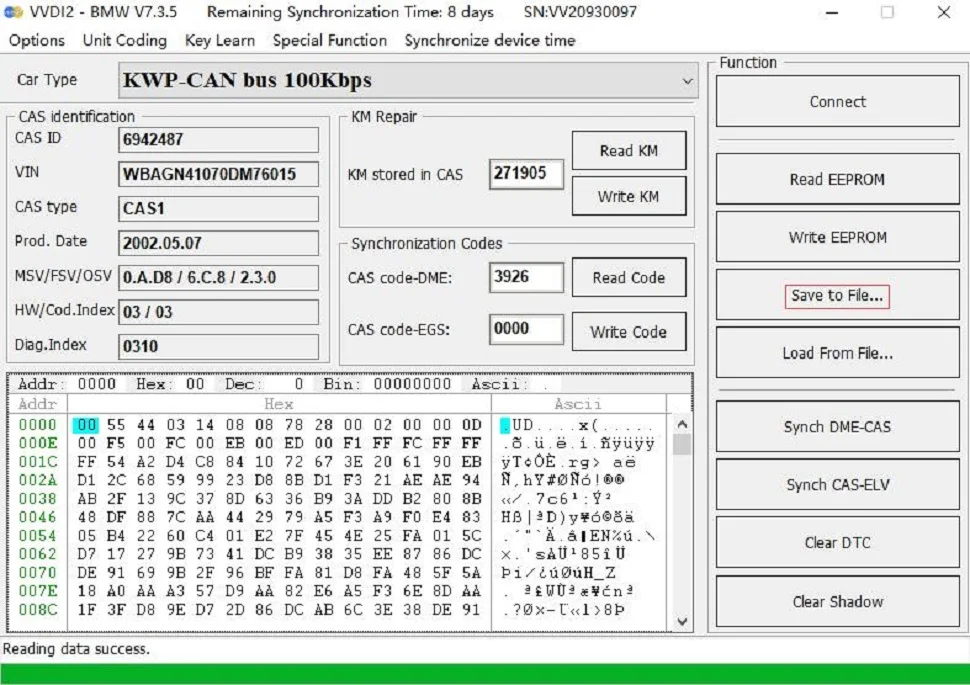
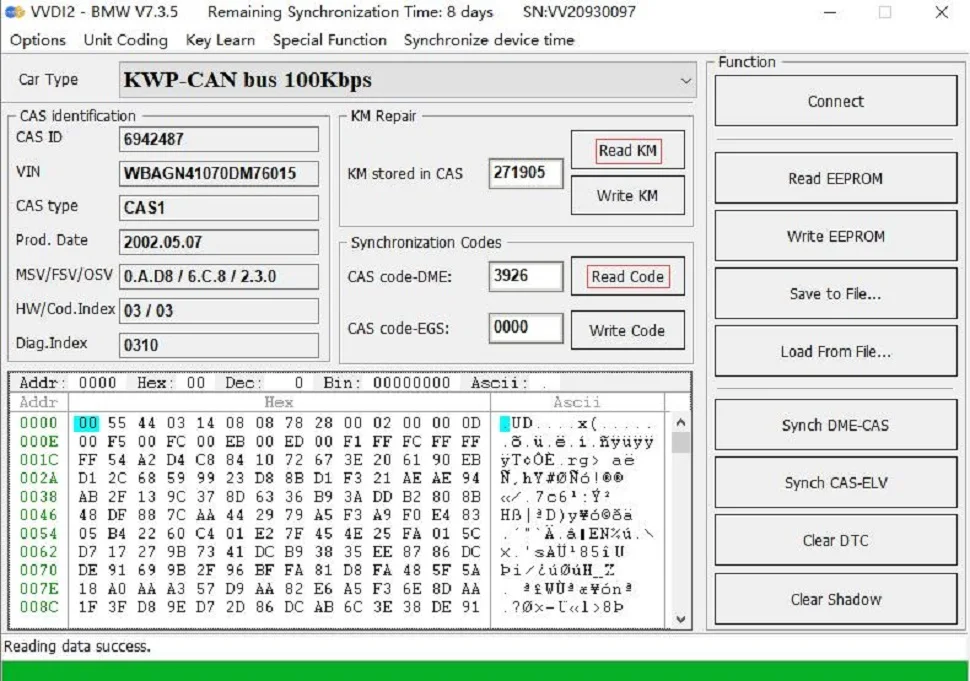
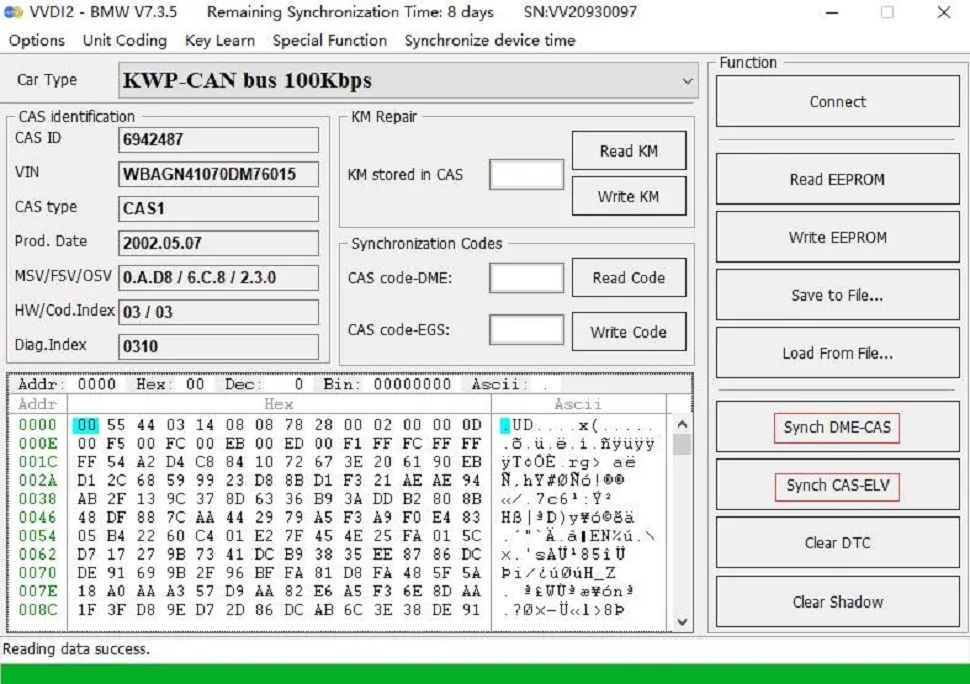
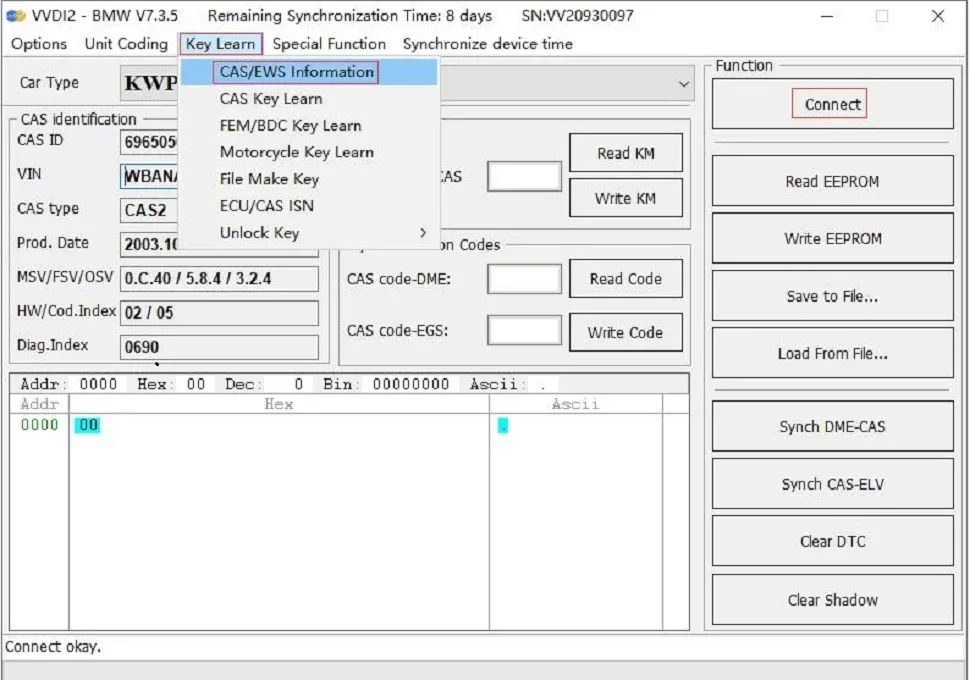
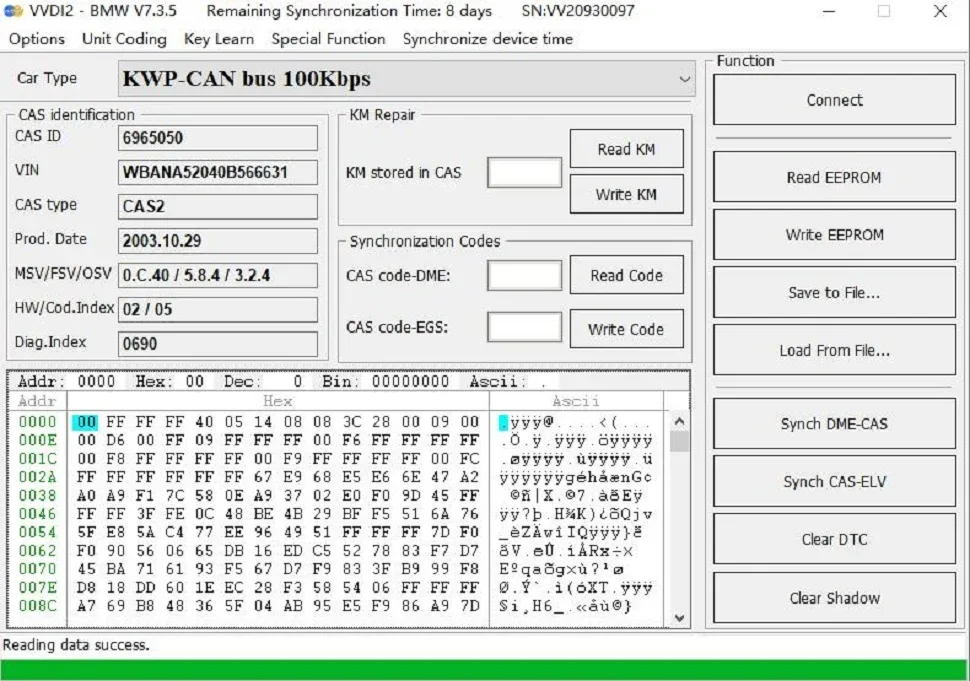
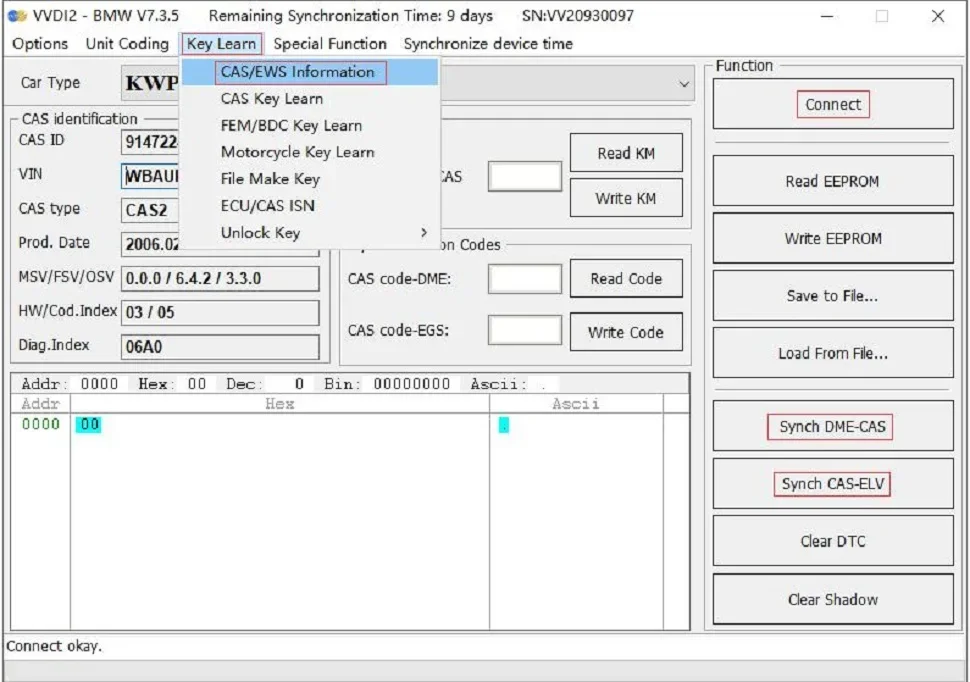
2.Select "key learn-CAS/EWS Information---Connect-- Read EEPROM". [Note: Take away the key and do not perform synchronization detection between the key and the CAS2 module before connecting to read data. Just press the start button to power the CAS module. If the CAS module detects a synchronized key, then the connected device cannot read the data. ]
Save to File...
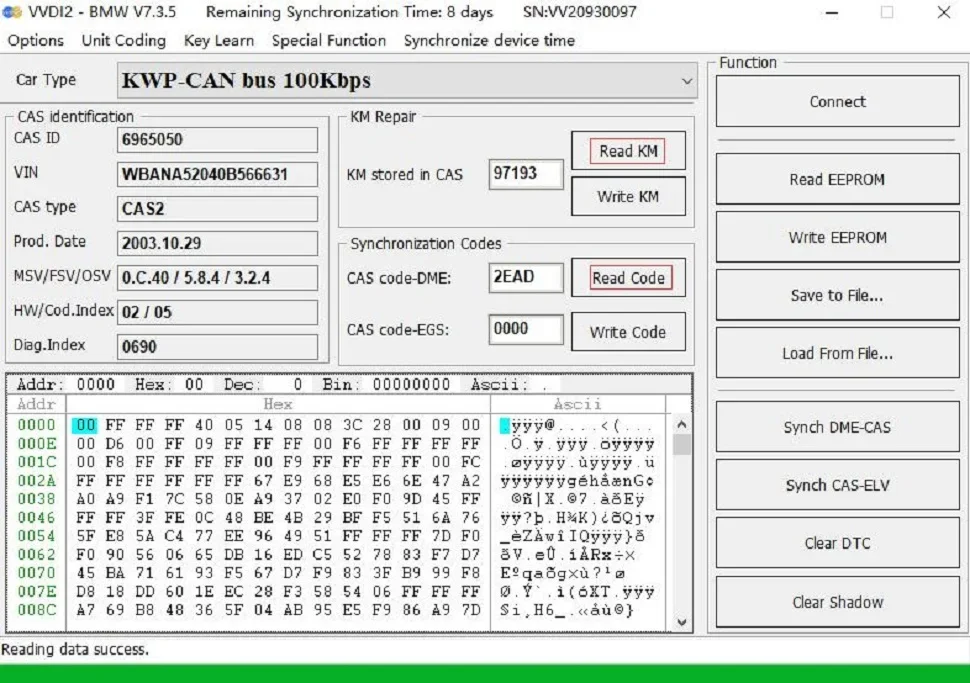
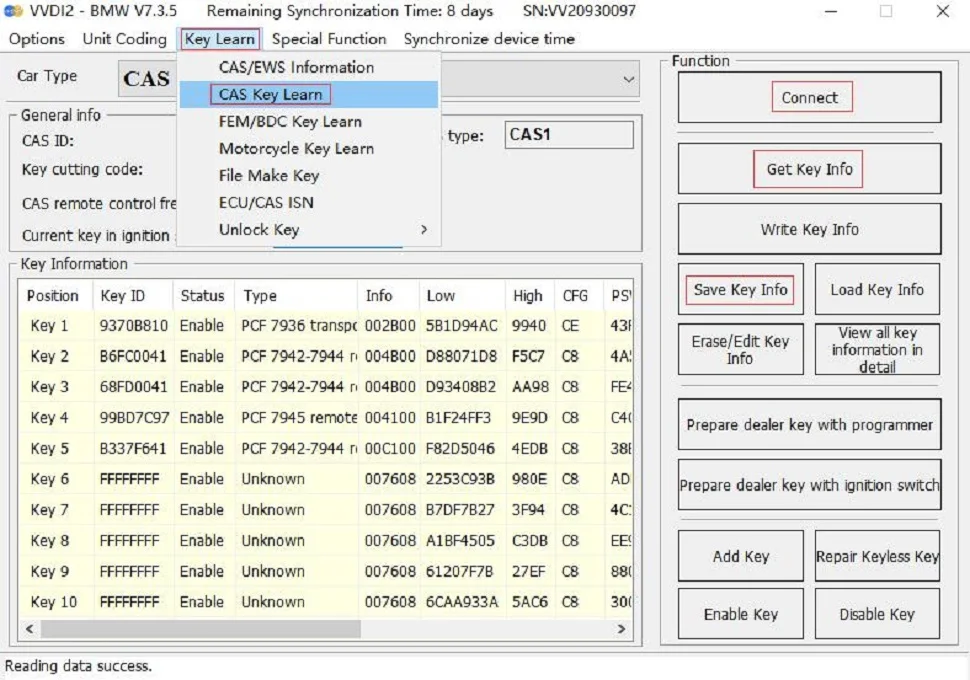
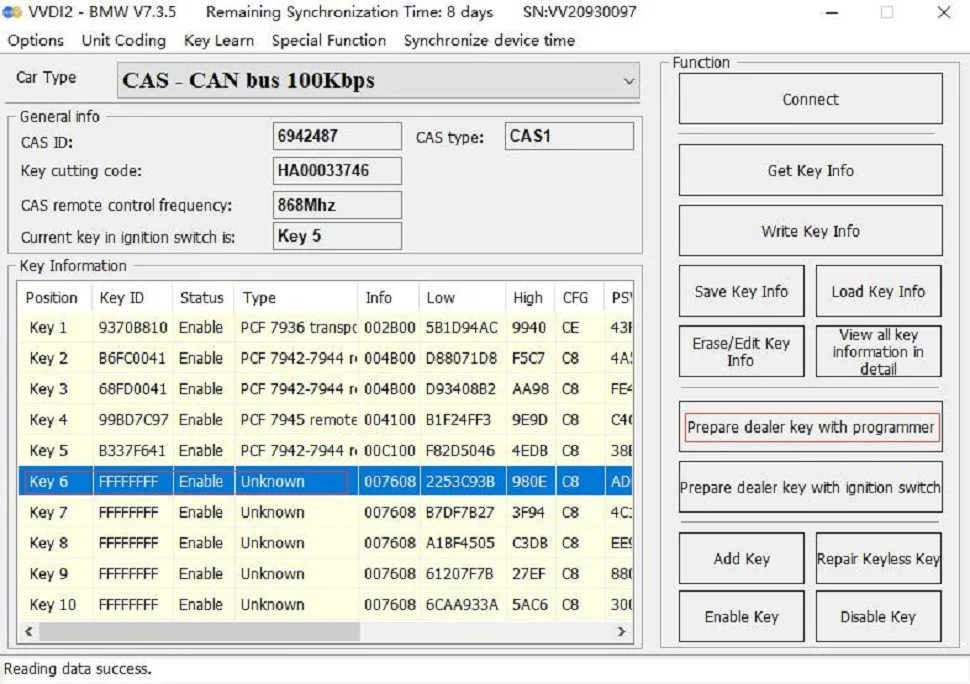
3.Key programming steps: select "key learn-CAS Key Learn ---Connect" , select "Get Key Info" and "Save Key Info".
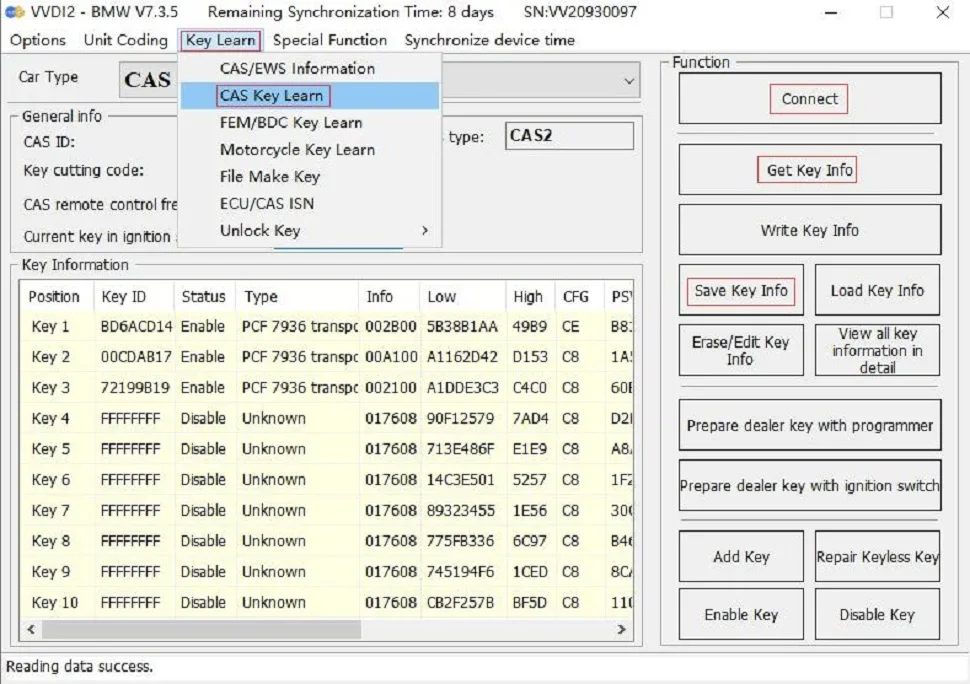
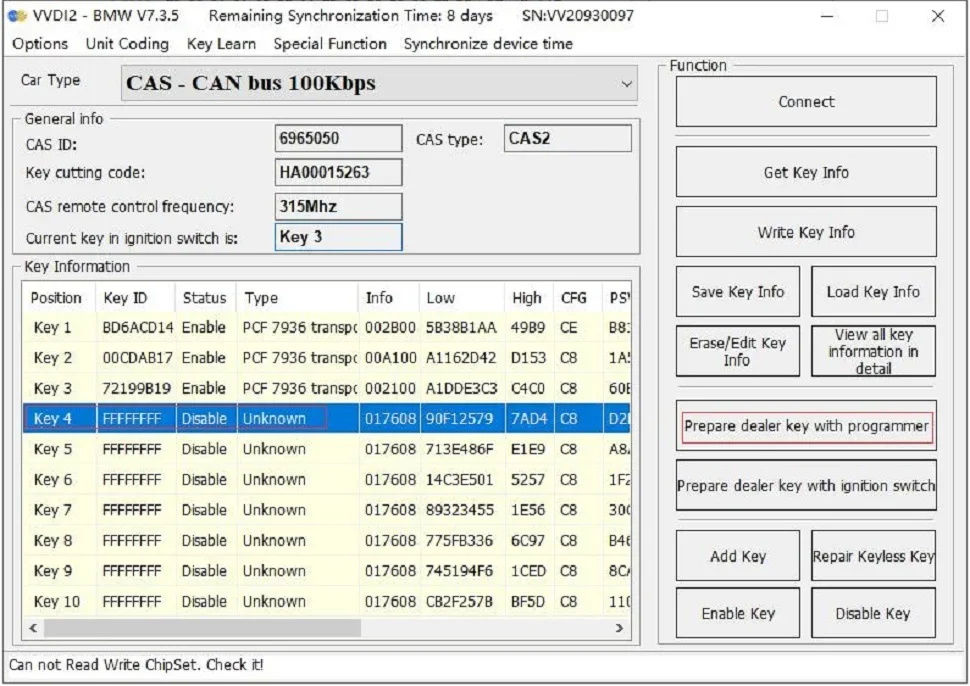
4. Select an unused key position, be sure to select the "prepare dealer key with programmer" menu, and use the VVDI2 key programmer to generate the key. If the key is placed in the key sensing area of the GODIAG for BMW CAS1/CAS2 Mech-Key Test Platform, the dealer key will not be generated.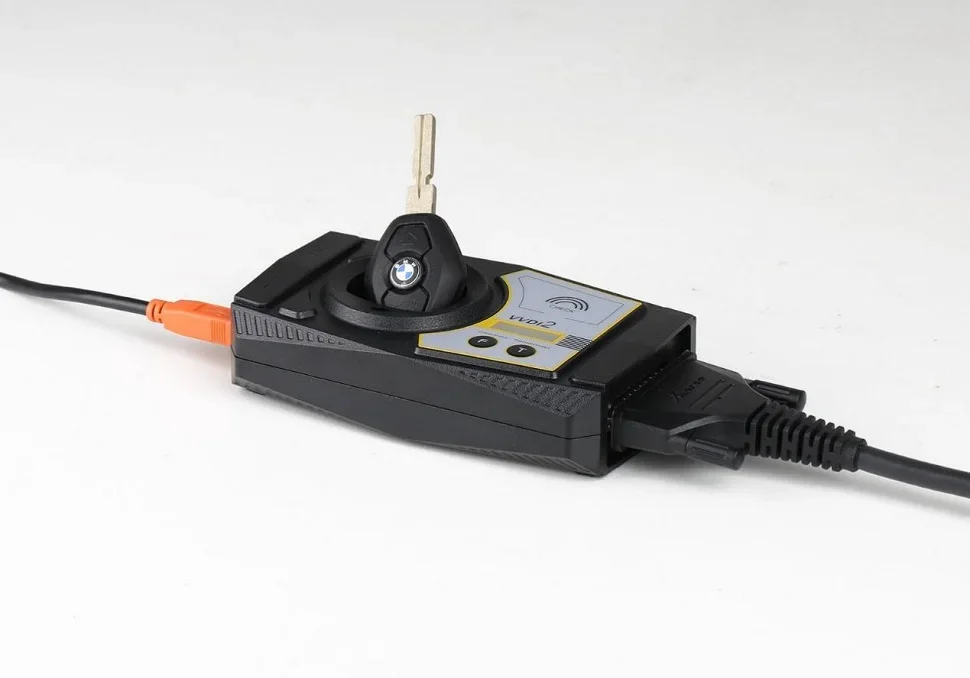
1.Connect the CAS1 module and the key programming diagnostic device according to the connection diagram. Press the START switch on the Godiag BMW CAS1/CAS2 Mech-Key Test Platform and the POW indicator light will light up, indicating that the test platform has output power. The indicator light on the CAS1 mode will also light up. [Please use 12V 2.5A power supply, otherwise it will not be able to drive the CAS1 module]
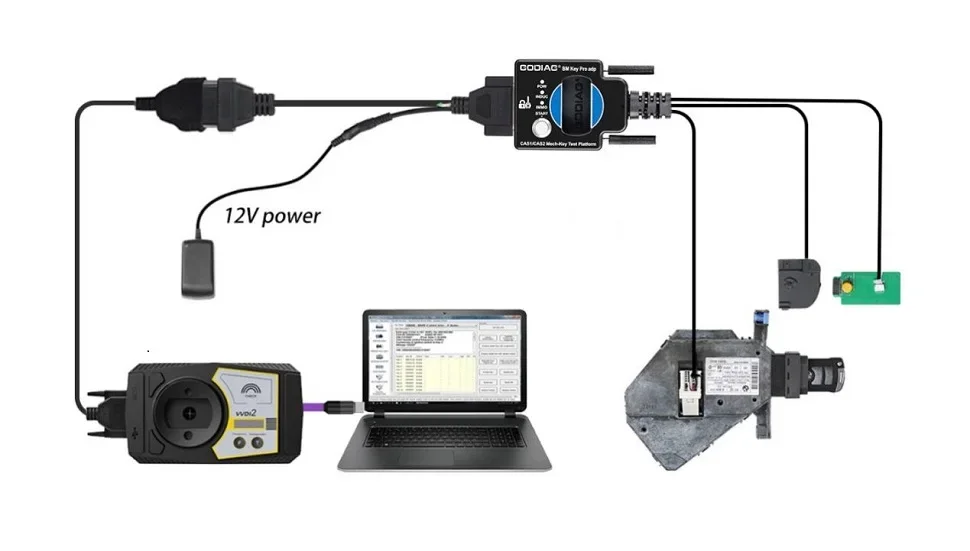
2.Select "key learn-CAS/EWS Information---Connect-- Read EEPROM". [Be careful not to insert the key. If the data cannot be read, please reconnect and turn on the platform power.] [Note: Do not perform a synchronization test between the key and the CAS1 module, otherwise the connection or data reading will not be possible. If a synchronization test is performed, please disconnect the power supply and reconnect the device and CAS module.]