Autel MP808 MP900K MP808S Software Update


Autel MP808 MP900K MP808S Software Update
SPECIFICATIONS
Brand Name: Autel
Certification: FCC,CE
Electronic: No
External Testing Certification: ce
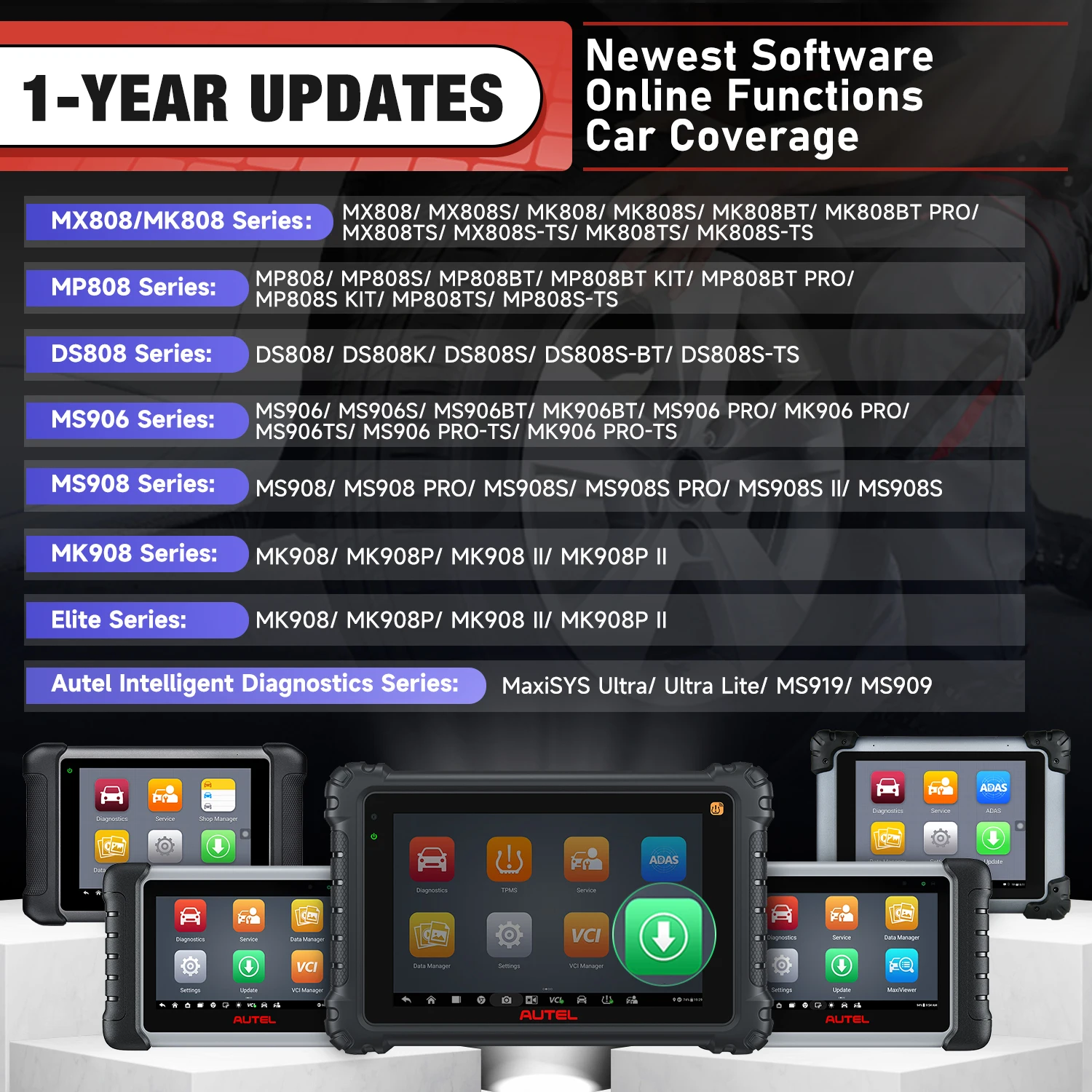
Features 1: 1 Year Update Service For MK808
Features 2: 1 Year Update Service For MK808S
Features 3: 1 Year Update Service For MK808K BT
Features 4: 1 Year Update Service For MK808TS
Features 5: 1 Year Update Service For MK808BT
Features 6: 1 Year Update Service For MK808BT PRO
Features 7: 1 Year Update Service For MK808S TS
High-concerned chemical: None
Is Batteries Included: no
Item Type: SOFTWARE
Model Name: 1 Year Update Service For MK808BT PRO
Origin: Mainland China
Software Update: Yes
Use: Not Telecommunication
Wireless Function: No
Wireless Support: No
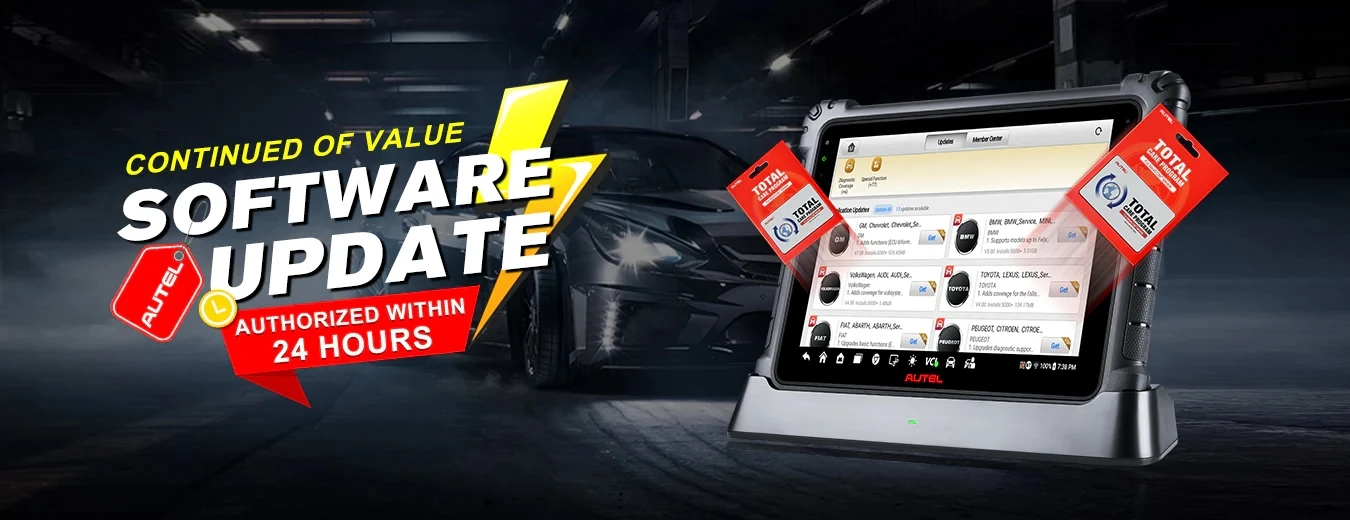
Autel One Year Update Service for Autel MP808, MP900K, MP808S, MP808BT. MP808BT PRO, MP808TS, MP808S-TS
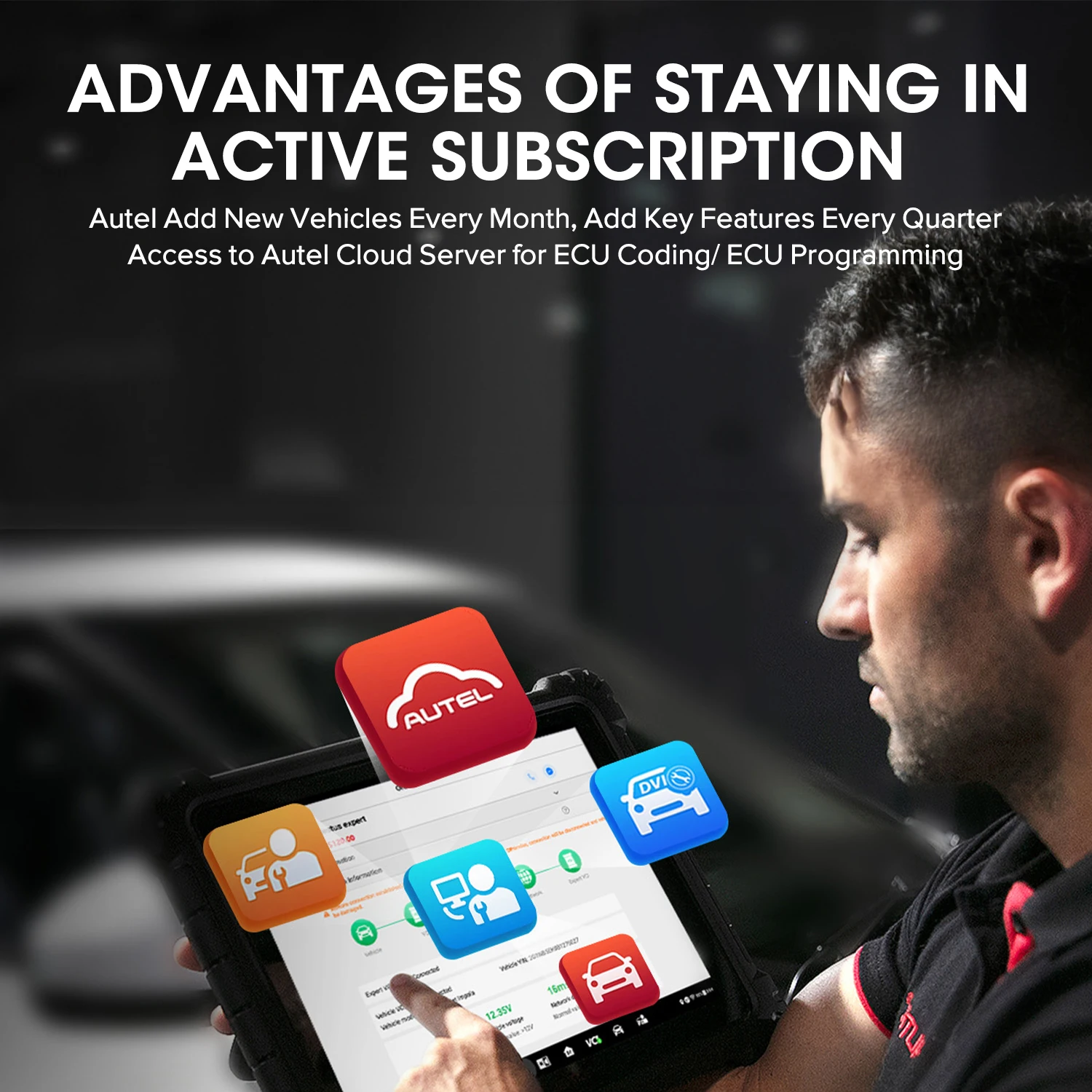
The orginal diagnostic scanner include 1 Year FREE software updates and 1 Year warranty. After the initial year expires, you may purchase an additional 1-Year Update Service to upgrade your tool to latest software version to cover lates vehicle coverage and functions.
This subscription can be purchased at any time and it will add 12 more months of updates to your current time. And during the date you have unlimited access to the latest software and functionality for one year.
Suitable for: The Autel Scanner's update date is expired or you wanna extend your update service, you can buy this service to get an extended update service for one year.
Subscription steps:
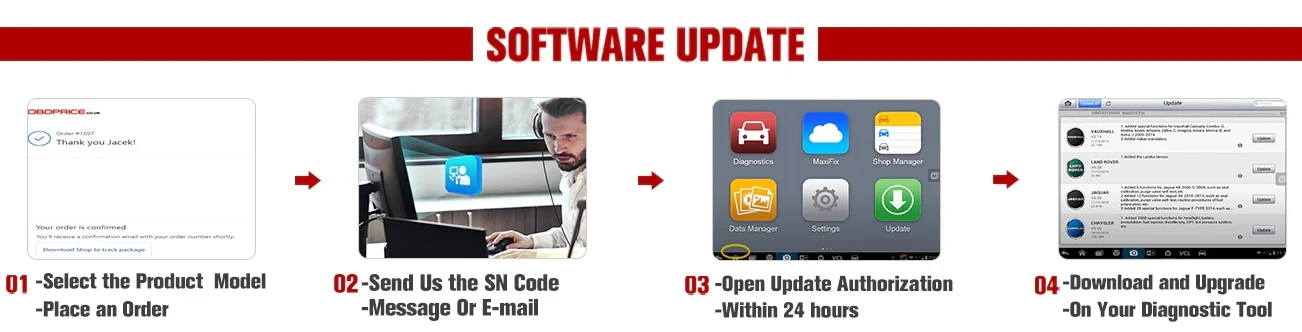
1.Select the appropriate model for your device to place your order.
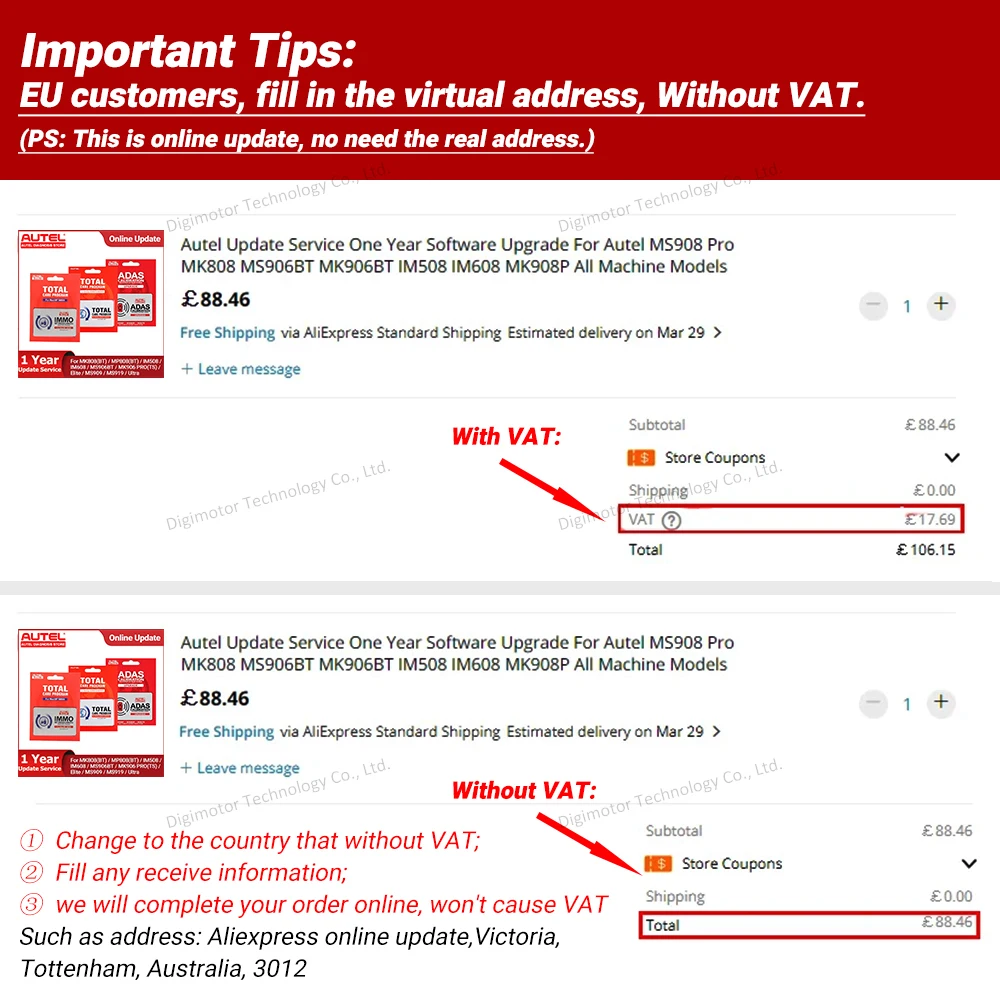
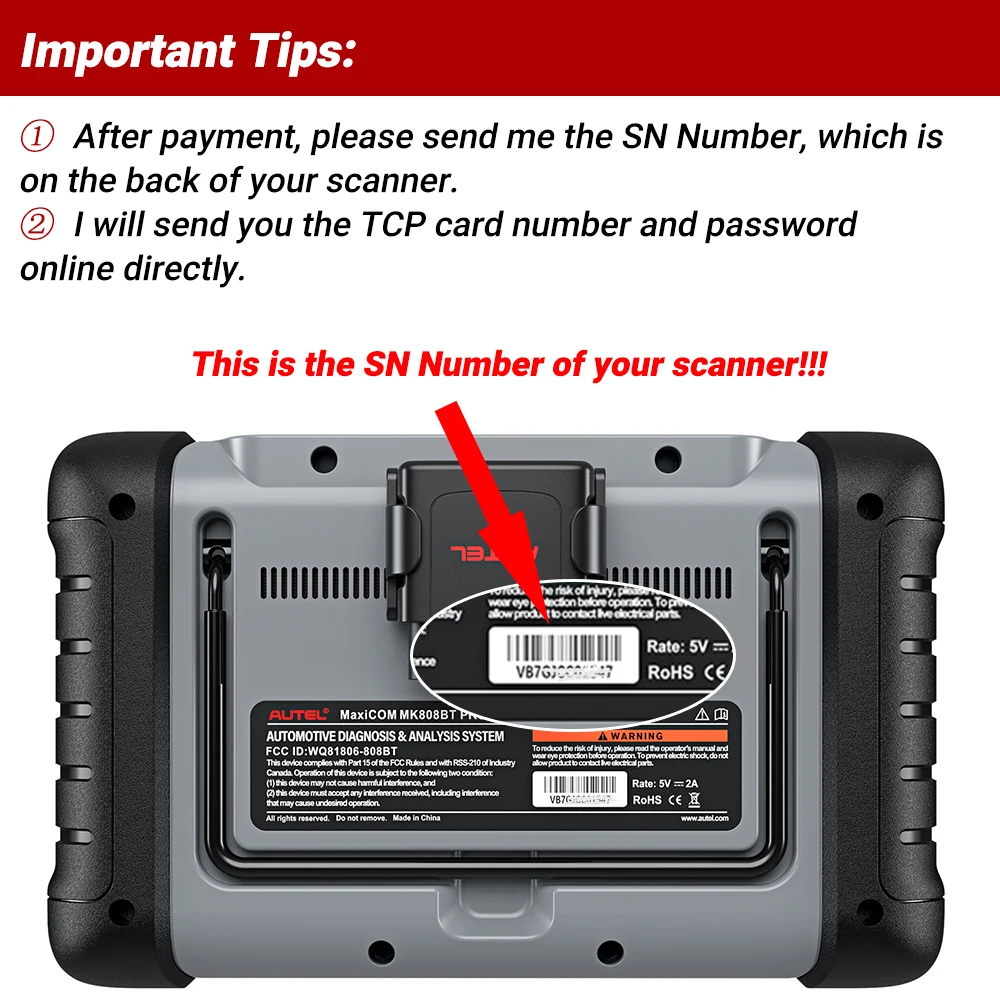
2.Contact us immediately after payment and provide your device’s Serial Number (S/N).
3.We will process your update and upgrade request (processing typically takes 24 to 48 hours).
4.Once completed, we will notify you with detailed instructions on how to operate and verify the update.
Autel Diagnostic Scanner: Annual Software Update Guide
Step 1: Order Placement and Device Registration
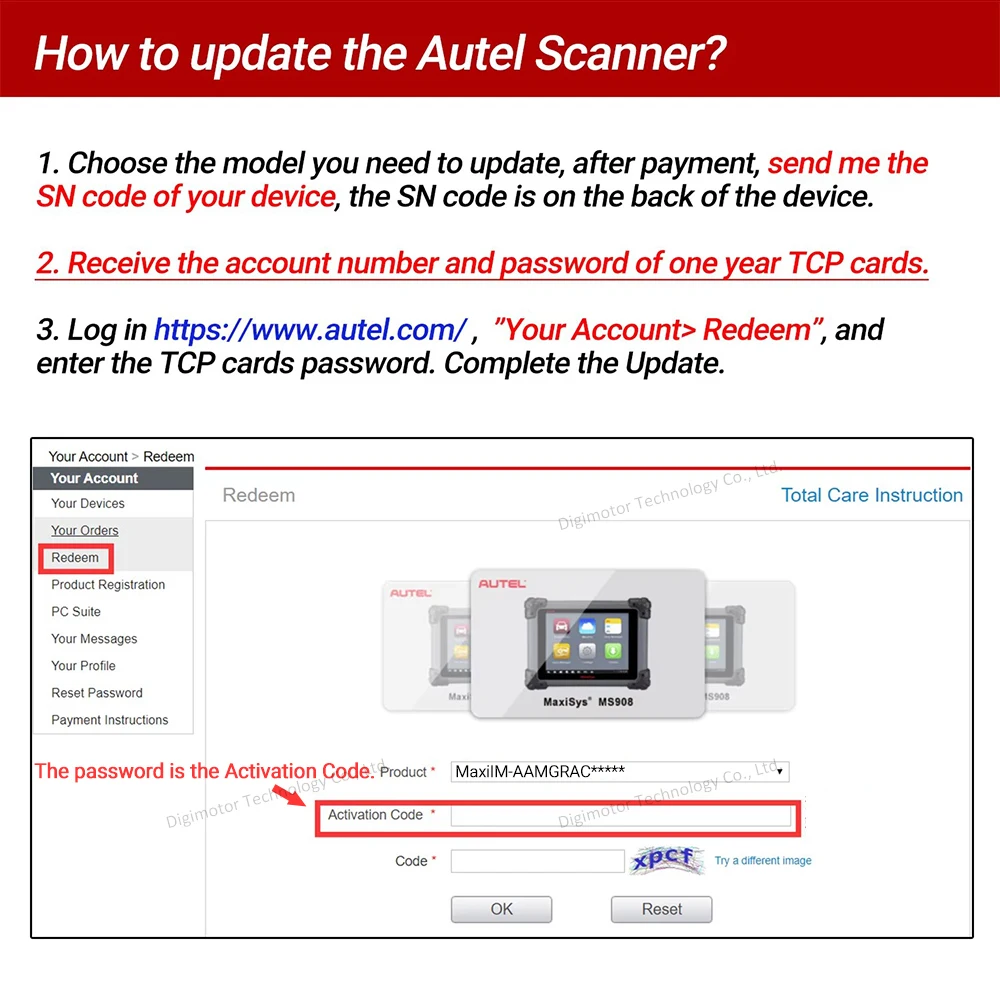
Select the appropriate update model for your scanner. Upon completing the payment, please provide your device's Serial Number (S/N) to our support team. The S/N can be located on the identification sticker on the rear of the hardware.
Step 2: Receipt of TCP Credentials
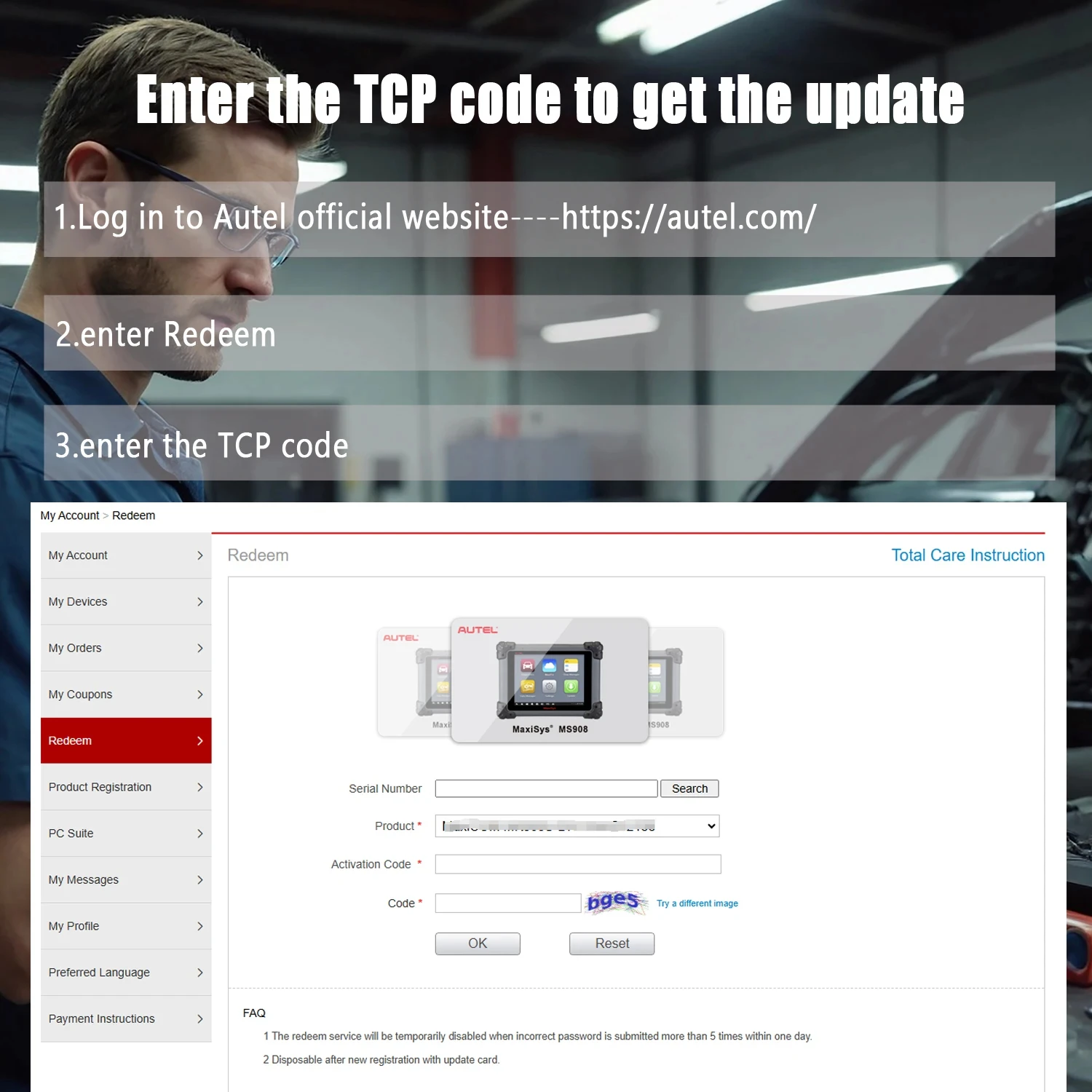
Once your request is processed, you will receive a digital Total Care Program (TCP) card containing a unique account number and activation password.
Step 3: Redemption and Activation
1.Visit the official Autel website at https://www.autel.com.
2.Log in to your member account and navigate to the "Your Account" section.
3.Select "Redeem" from the menu and enter the credentials provided on your TCP card.
Follow the on-screen prompts to finalize the update. Your device will now have access to the latest software features and vehicle coverage.
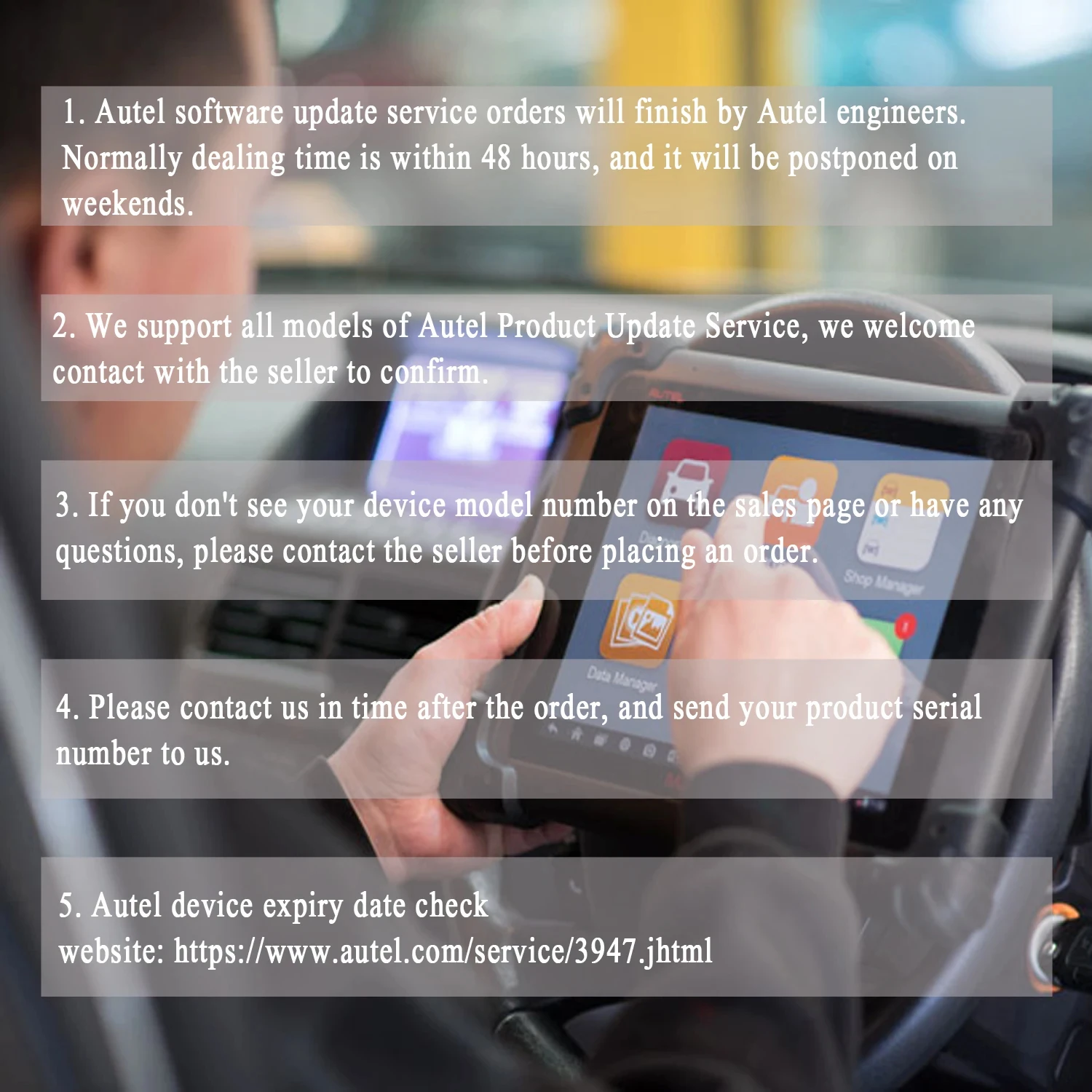


NOTE: Please contact us after placing the order and inform us serial number of the product . This card is only applicable to devices purchased online. If you have any problems, please feel free to contact us!